
Santol Edge Team
AI Research & Engineering at Santol Edge
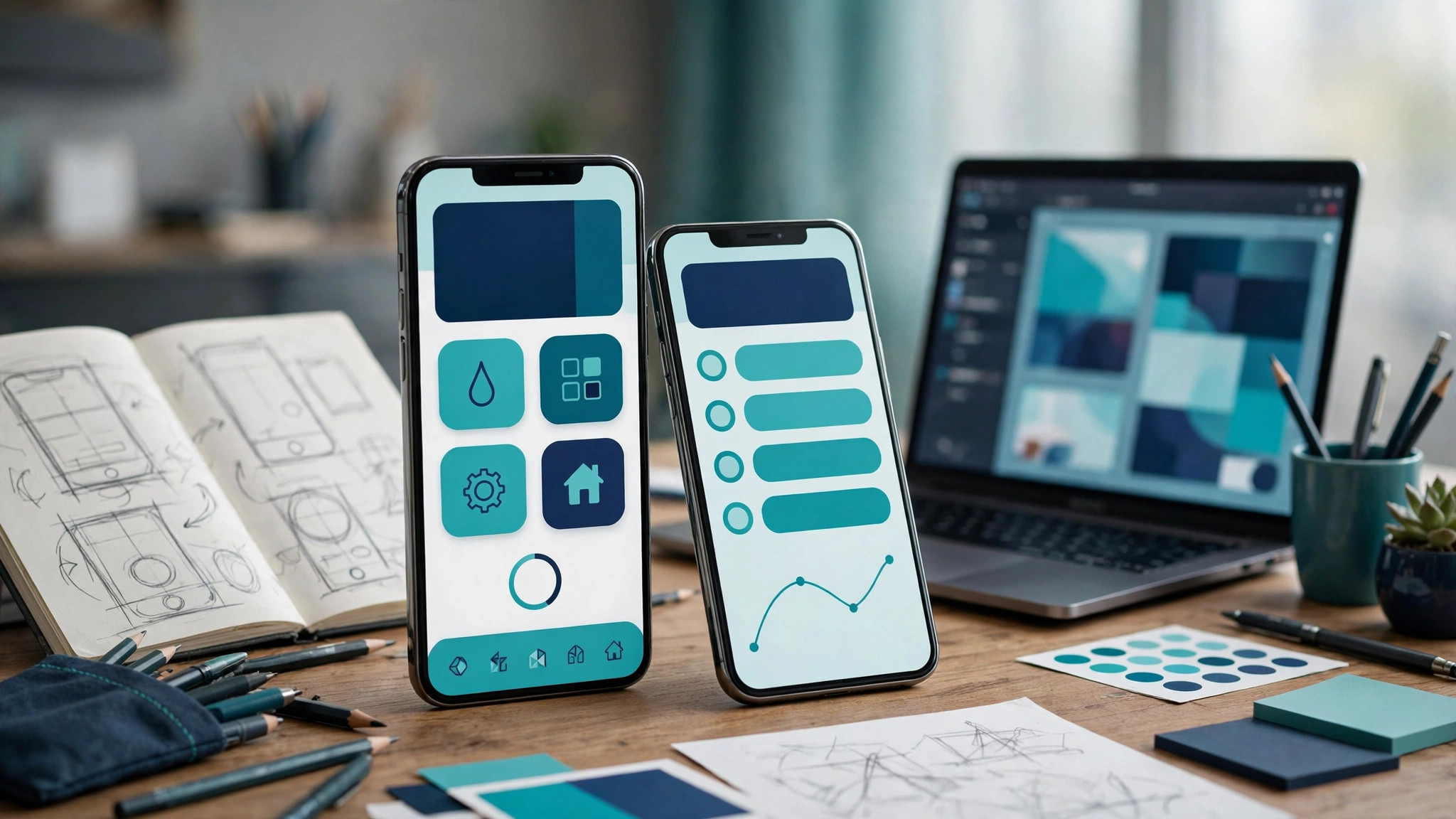

“Mobile App for Dental Practices: The Complete 2026 Decision Guide”
Mobile App for Dental Practices: The Complete 2026 Decision Guide
Investing in a dedicated mobile app for dental practices is a major strategic choice for modern clinics. If you manage a busy multi-provider dental practice or a fast-growing regional DSO, a custom mobile application can streamline operations, reduce no-shows, and elevate the overall patient experience. However, for a single-chair clinic with modest patient volume, a custom mobile app may be an unnecessary expense when standard practice management software (PMS) web portals can suffice. This guide breaks down exactly when a custom app pays off, what jobs it performs, how to choose the right build path, and what it realistically costs — including professional solutions like Santol Edge's custom mobile app development services.
When a Dental Mobile App Pays Off vs. When It Is a Waste
Before exploring software architectures or user interfaces, dental practice owners must determine whether their clinic actually needs a dedicated mobile app. Building software without clear utilization metrics leads to wasted capital.
High-Yield Scenarios: Multi-Location and High-Recall Practices
A dedicated mobile application yields a high return on investment for specific practice models:
- Multi-Location Clinics & DSOs: If your practice operates across multiple zip codes or cities, patients appreciate a unified portal where they can manage appointments, view family health histories, and pay bills regardless of which office they visit.
- High-Recall & Orthodontic/Pediatric Practices: Practices that rely heavily on frequent adjustments, aligner checks, multi-step orthodontic treatments, or routine pediatric cleanings benefit immensely from push notifications and quick rescheduling features.
- High Patient Volume: Clinics handling hundreds of patient interactions daily experience significant administrative relief when appointment confirmations, intake forms, and co-pay collections shift to an automated mobile interface.
When It Is a Waste: Single-Chair Clinics and Low-Digital Demographics
Conversely, building a custom application may not make financial sense under other circumstances:
- Single-Chair or Solo Practitioner Startups: If you are just launching a practice, your capital is better spent on operatory equipment, local marketing, and robust PMS integration rather than custom software. Standard web-based booking widgets integrated into your website will handle your initial volume effectively.
- Low-Tech Patient Demographics: If your patient base predominantly prefers telephone communication and paper intake forms, adoption rates for a downloaded app will remain low. Pushing an app onto an unwilling demographic creates friction rather than convenience.
The 6 Essential Jobs a Dental Mobile App Performs
To justify development costs, a dental app must execute core operational workflows better than a standard mobile website. Here are the six primary jobs a successful dental app handles for patients and staff:
1. Frictionless Booking and Rescheduling
Patients expect to schedule routine cleanings outside of clinic operating hours without calling the front desk. A well-designed app syncs directly with your practice management software, displaying real-time chair availability and allowing patients to book, reschedule, or join a waitlist with a few taps.
2. Push Notifications for Recall and Care Compliance
Email inboxes are crowded, and SMS messages can feel intrusive or get ignored. Push notifications offer a direct, high-visibility channel to remind patients about upcoming hygiene appointments, post-operative care instructions, or daily orthodontic aligner changes.
3. Digital Treatment Plans and Visual Progress
Case acceptance increases when patients can review their treatment plans at home. An app can display phased treatment steps, estimated insurance breakdowns, and even intraoral scans or progress photos, helping patients understand the clinical reasoning behind recommended work.
4. Secure Access to Health Records and History
Patients frequently need their dental records for school forms, insurance claims, or specialist referrals. Providing secure, password-protected access to past dental charts, diagnostic imaging summaries, and receipt archives reduces inbound administrative phone calls.
5. Seamless Mobile Payments and Co-Pay Collection
Chasing outstanding patient balances is a major administrative burden. Integrated mobile wallets and secure credit card storage allow patients to settle co-pays immediately after check-in or pay treatment balances securely from their phones.
6. Built-In Referral Programs and Review Generation
Word-of-mouth remains the primary growth engine for dental practices. A dedicated app can prompt satisfied patients — such as those who just completed a successful whitening or orthodontic treatment — to leave a Google review or share an easy referral link with friends and family. Similar community-engagement principles apply across other service sectors, as explored in our guide on mobile app development for gyms.
3 Build Paths for Dental Practice Software
When you decide to move forward with a mobile solution, you generally have three distinct architectural paths to choose from. Each comes with trade-offs regarding cost, customization, and control.
1. PMS Patient Portals (Out-of-the-Box)
Most modern practice management systems (such as Open Dental, Dentrix, or Curve Dental) include built-in patient portals or companion apps.
- Pros: Low setup cost, native data synchronization with your clinical records, and immediate out-of-the-box deployment.
- Cons: Rigid user interfaces, limited branding options, and generic feature sets that do not allow your practice to stand out from local competitors.
2. White-Label Dental App Solutions
White-label software vendors provide pre-built mobile apps branded with your clinic's logo and color palette.
- Pros: Faster deployment than custom code, lower upfront costs than building from scratch, and standardized maintenance.
- Cons: Monthly subscription fees that scale with patient volume, limited ability to add custom proprietary workflows, and reliance on a third-party vendor's uptime and security updates.
3. Custom Cross-Platform Mobile Apps
Building a custom cross-platform application using modern frameworks like Flutter or React Native gives your practice complete control over features, design, and integrations.
- Pros: Tailored precisely to your clinic's unique workflows, complete brand ownership, scalable architecture for multi-location DSOs, and seamless integration with specialized tools like conversational booking interfaces or AI-driven triage assistants — similar to the automation concepts discussed in our review of AI chatbots for dental clinics.
- Cons: Higher initial capital investment and ongoing maintenance requirements.
HIPAA Compliance Basics for Dental Mobile Apps
Because dental apps handle Protected Health Information (PHI), data security is non-negotiable. Building healthcare software requires strict adherence to legal and technical standards:
- Data Encryption: All patient data must be encrypted both in transit (using secure HTTPS/TLS protocols) and at rest (using robust database encryption standards).
- Secure Authentication: Implement multi-factor authentication (MFA) and biometric logins (FaceID/Fingerprint) to ensure unauthorized individuals cannot access sensitive dental health records if a patient loses their phone.
- Business Associate Agreements (BAAs): Any cloud hosting provider, database service, or third-party API vendor handling patient data must be willing to sign a BAA accepting liability for HIPAA compliance.
- Access Control: Role-based access permissions ensure that administrative staff, dental assistants, and practitioners only view the specific data necessary to perform their job functions.
App Store Launch and Ongoing Maintenance Realities
Launching a mobile app on the Apple App Store and Google Play Store involves more than just uploading code. Apple and Google maintain rigorous review guidelines for healthcare-related applications.
- Store Review Guidelines: Apple's App Store review team scrutinizes health apps to verify that they do not provide medical diagnosis without professional oversight and that they properly protect user data. Account deletion options and clear privacy policies are mandatory.
- Ongoing Maintenance: Software requires continuous care. Operating system updates, security patches, API version changes with your practice management software, and periodic UI enhancements mean your app will need monthly and quarterly maintenance plans to remain stable and secure. Similar digital lifecycle considerations apply when deploying customer-facing applications in hospitality, as detailed in our analysis of mobile app for hotels.
Proven Patient Adoption Playbook
Having a great app accomplishes nothing if patients do not download it. To maximize adoption rates across your practice, implement a structured onboarding strategy:
- Staff Training and Advocacy: Your front desk staff and dental hygienists are your best champions. Train them to introduce the app naturally during checkout or hygiene re-appointment scheduling ("You can view your post-op instructions and track your rewards right on our new patient app").
- In-Clinic QR Code Displays: Place clean, professional tent cards and signage at the front desk, in waiting areas, and inside operatories featuring direct QR codes for iOS and Android downloads.
- Automated SMS Onboarding Links: Send a welcome text message containing a direct download link to new patients as part of their initial booking confirmation workflow.
- Exclusive In-App Perks: Incentivize initial downloads by offering exclusive benefits, such as streamlined check-in, priority booking for prime morning or evening slots, or automatic entry into oral hygiene product giveaways.
Honest Cost Reality
Budget transparency is essential when planning software investments. Custom software development involves careful planning, UI/UX design, secure backend engineering, and thorough testing.
- Investment Starting Point: Mobile App Development from $3,500.
This baseline covers essential scoping, cross-platform architecture, secure database setup, and core booking/notification workflows. Total project costs scale based on the complexity of your practice management software integrations, custom patient portal features, and multi-location database hierarchies.
Frequently Asked Questions
Do dental patients actually download and use custom mobile apps?
Patient adoption depends heavily on how the app is presented by your staff. When front desk and hygiene teams position the app as a convenient way to skip phone queues, view treatment plans, and manage family appointments, adoption rates climb significantly. Patients rarely download apps spontaneously, so in-clinic promotion is vital.
Can a mobile app integrate directly with our existing Practice Management Software?
Yes, via secure Application Programming Interfaces (APIs). Custom apps can connect with popular PMS platforms to pull scheduling calendars, patient records, and billing data in real time, though integration complexity varies depending on whether your PMS provides open developer endpoints.
What makes a dental mobile app HIPAA compliant?
Compliance requires end-to-end data encryption in transit and at rest, secure user authentication with multi-factor options, strict role-based access controls, and signed Business Associate Agreements (BAAs) with all cloud infrastructure and hosting vendors.
How long does it take to design and launch a custom dental app?
A standard cross-platform mobile application typically requires anywhere from 6 to 12 weeks from initial architectural scoping and UI/UX design to final App Store and Google Play Store approval, depending on the complexity of PMS integrations and security reviews.
How much does it cost to build a mobile app for a dental practice?
Professional mobile app development services for dental practices start at $3,500 for foundational builds. Total investment varies based on custom feature sets, advanced patient communication tools, and complex multi-location backend data synchronization requirements.
Ready to evaluate how a custom mobile application can streamline your dental practice operations and improve patient retention? Contact us to discuss your workflow requirements and software scope.
Santol Edge Team
AuthorWrites extensively about generative AI, autonomous agent design, enterprise automation architectures, and customer experience engineering at Santol Edge.
Read Next

How AI Automation Helps Modern Businesses Scale 10x Faster
Discover how forward-thinking companies are deploying intelligent agents and automated pipelines to reduce overhead and boost revenue.

How AI Chatbots Transform Customer Support and Business Growth
Learn how AI chatbots improve customer response times, qualify leads, support teams, and create more consistent customer experiences.

AI Voice Agents: What They Are and How They Work
Understand where voice agents add value, how they connect with business systems, and what to consider before launching one.
Community Comments (0)
Oct 21, 2026Elisa Gabriella
VP of Operations · BrightSync
“A genuinely useful piece — the point about consolidating thin pages matches what we saw on our own platform last year. Deploying automated workflows cut roughly half our manual ticket volume and resolution speed went up significantly.”
Leave a Reply
Your email address will not be published. Required fields are marked *