
Santol Edge Team
AI Research & Engineering at Santol Edge
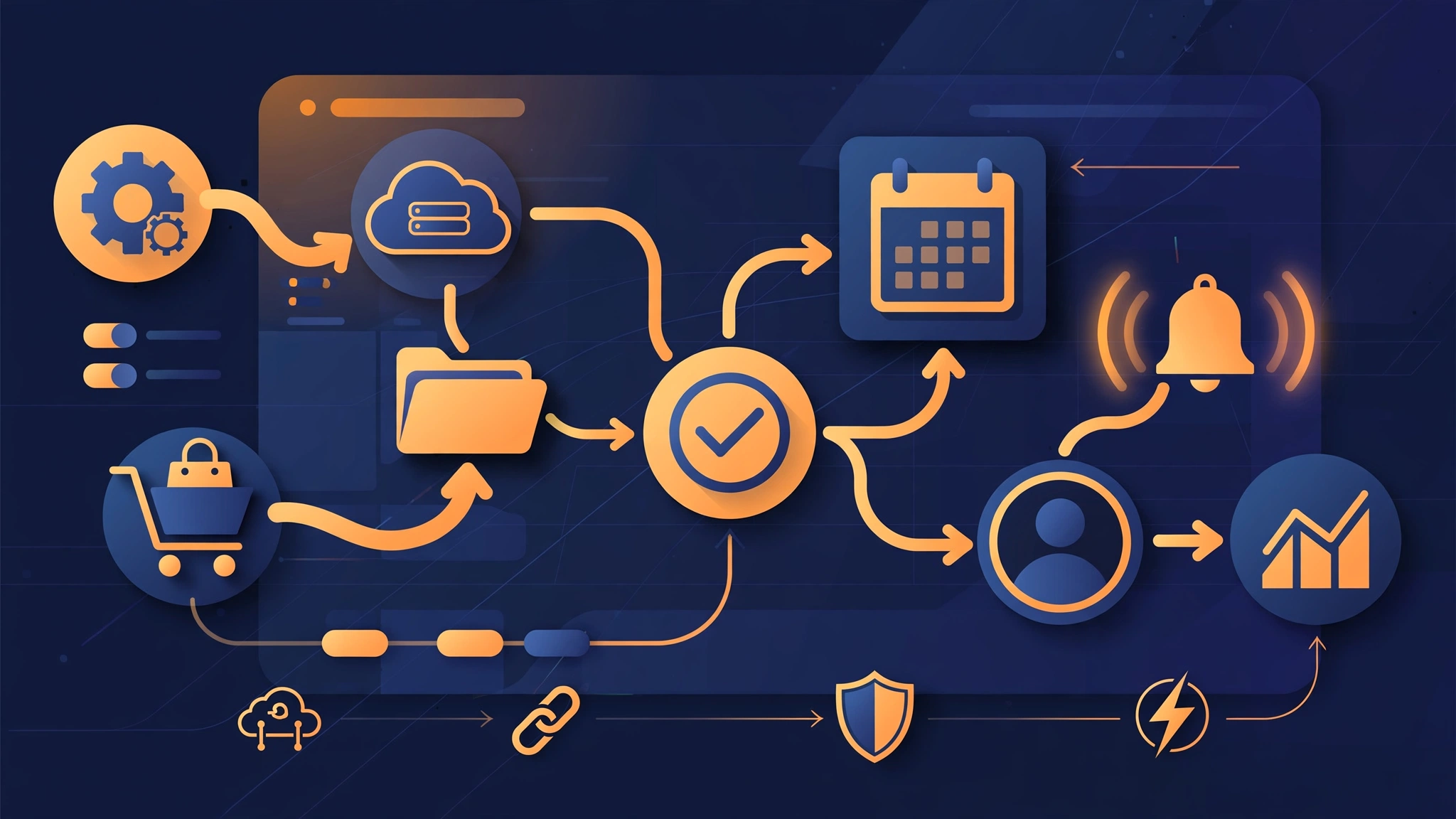

“What should a small business automate first? A practical guide to AI automation — best processes, pitfalls, costs, and a 30-day starter roadmap.”
AI Automation for Small Business: What to Automate First (and What to Skip)
If you run a small business, you've heard that AI can "automate everything." That's not quite true — but the real version is more useful. AI automation for small business means using AI-powered software to handle the repetitive tasks that eat your team's hours every week: answering common customer questions, following up with leads, booking appointments, sending invoices, and moving data between the tools you already use.
Done right, it doesn't replace your people. It removes the busywork so your team can focus on the work that grows the business.
What AI Automation Actually Looks Like Day to Day
Forget robots running your company. In practice, business process automation with AI looks like this:
A lead fills out your website form at 11pm, and an automated follow-up texts them back within a minute, answers their basic questions, and books them into your calendar.
A customer asks a routine question on WhatsApp or live chat, and an AI assistant answers it instantly — handing off to a human only when the question is genuinely tricky.
Invoices go out automatically. Payment reminders go out automatically. The data lands in your CRM without anyone typing it twice.
The AI automation benefits for businesses this size are simple: faster response times, fewer missed opportunities, and hours given back to your team every week.
The Highest-ROI Processes to Automate First
Not every process deserves automation. Start where the pain is highest and the task is most repetitive. These five consistently pay for themselves:
1. Lead follow-up
The single most common leak in small businesses. A homeowner calls an HVAC company after hours and gets voicemail — by morning, they've called someone else. Automated follow-up can respond to new leads instantly by text or email, qualify them with a few questions, and book them directly into your calendar. For home service businesses, this alone often pays for an entire automation setup.
2. Appointment scheduling and reminders
Dental clinics, salons, repair shops — if your team spends any part of the day playing calendar tag with customers, automate it. Let customers book online through an AI assistant, and send automatic confirmations plus day-before reminders. No-shows drop, and your front desk gets its afternoon back.
3. Invoicing and payment reminders
Late payments are often a follow-up problem, not a customer problem. Automated invoicing with polite, timed reminders chases unpaid invoices without any awkward calls — a cleaning company with weekly clients is a classic fit.
4. Customer support triage
An e-commerce store doesn't need a human to answer "where is my order?" for the twentieth time. An AI assistant answers the routine questions, checks order status, and routes the unusual cases — refunds, damaged items — to a real person with full context attached. Customers get instant answers at 2am; your team handles the exceptions, not the routine.
5. Data entry and CRM updates
Every time someone copies customer details from one system into another, that's time that could be automated — and a typo waiting to happen. Connecting your forms, phone system, and CRM so records update themselves is unglamorous, but it's one of the highest-return automations a small business can set up.
How to Find Automation Opportunities in Your Own Business
You don't need a consultant for this. Run this simple one-week audit:
Track the repetitive tasks. For one week, have each team member jot down every task they do more than three times — answering the same question, copying data, chasing someone, scheduling something.
Score each task. Rate it on how much time it takes, how boring or error-prone it is, and how often a wrong outcome costs money (missed lead, late invoice, no-show).
Sort by score. The tasks at the top are your automation candidates. Ignore everything else for now.
Then apply one filter before you automate anything: is the process itself good? If your follow-up process is a mess — nobody knows who calls the lead back — automating it just makes the mess happen faster. Fix the process first, then automate the fixed version.
Build vs. Buy: What Makes Sense for a Small Business?
For most small businesses, buying or renting is the right call:
Buy off-the-shelf tools for common, standardized tasks — appointment booking, email sequences, basic chatbots. They're cheap and mature.
Build custom when your process is your competitive advantage, or when several tools need connecting in a specific way. A roofing company whose quoting process is uniquely theirs won't find that in a template.
The practical path for most SMBs is a hybrid: standard tools where they fit, plus a specialist to connect and customize them — or build the pieces that truly differentiate you. Custom work costs more upfront but pays back fast when aimed at revenue-adjacent tasks like lead follow-up.
Realistic Expectations and Common Pitfalls
AI automation is not magic. Here's what honest practitioners will tell you:
It won't work with bad data. If your CRM is full of duplicates and half-finished records, automated outreach will embarrass you. Clean the data first.
AI needs supervision. An AI assistant answering customers needs clear boundaries — what it can and can't say, and when it must hand off to a human. Set those up from day one.
Start narrow, then expand. Automating one process well beats automating five processes badly. The businesses that get burned tried to automate everything in month one.
There is a setup cost. Connecting systems and training an AI on your business takes real work, whether it's your time or a specialist's. Expect a few weeks before things run smoothly.
Your 30-Day Starter Roadmap
A realistic way to automate repetitive business tasks without disrupting your operation:
Week 1 — Audit. Run the one-week task-tracking exercise. Identify your top 2–3 candidates. Check your data quality.
Week 2 — Fix the process. For your top candidate, write down the ideal version of the process — response times, responsibilities, escalation rules.
Week 3 — Deploy one automation. Automate your single highest-scoring process. Keep everything else manual while you test with real customers.
Week 4 — Review and decide. Measure what changed: response time, hours saved, missed leads recovered. Only then pick process number two.
One working automation beats five half-finished ones. Every time.
Frequently Asked Questions
How much does AI automation cost for a small business? Simple tools can cost a few dozen dollars a month. Custom automation typically runs from a few hundred to a few thousand dollars depending on complexity — aim it at revenue-adjacent tasks (lead follow-up, booking) so it pays for itself.
Will AI automation replace my employees? In small businesses, almost never. It removes repetitive work so your existing team can handle more customers without burning out. Most owners end up doing more business with the same team.
What if the AI gives a customer a wrong answer? That's why you set boundaries: the AI answers routine questions from approved information and hands off anything uncertain to a human. Treat it as a first responder, not a final authority.
How long before I see results? Simple automations (lead follow-up, reminders) can show results in the first month. Complex setups involving several connected systems usually need a few weeks of setup and tuning. Be skeptical of anyone promising instant transformation.
Do I need technical skills to run this? Not necessarily. Off-the-shelf tools are built for non-technical users, and for custom automation that's what a specialist is for — your job is to know your business, not to write code.
Can a business with under 10 people benefit? Often they're the ones who benefit most, because every hour of admin is an hour the owner isn't selling or doing the work. If you miss leads because you're on a job, automation does what a full-time hire would do — at a fraction of the cost.
Ready to Stop Losing Hours to Busywork?
If you're a small business owner tired of missed leads, late follow-ups, and admin eating your week, start with a conversation. At Santol Edge, we build AI chatbots, voice agents, and automation systems for businesses that want their processes working around the clock.
Book a free consultation at santoledge.com/contact — tell us where your hours are going, and we'll show you what automation can realistically give back.
Santol Edge Team
AuthorWrites extensively about generative AI, autonomous agent design, enterprise automation architectures, and customer experience engineering at Santol Edge.
Read Next

How AI Automation Helps Modern Businesses Scale 10x Faster
Discover how forward-thinking companies are deploying intelligent agents and automated pipelines to reduce overhead and boost revenue.

How AI Chatbots Transform Customer Support and Business Growth
Learn how AI chatbots improve customer response times, qualify leads, support teams, and create more consistent customer experiences.

AI Voice Agents: What They Are and How They Work
Understand where voice agents add value, how they connect with business systems, and what to consider before launching one.
Community Comments (0)
Sep 24, 2026Elisa Gabriella
VP of Operations · BrightSync
“A genuinely useful piece — the point about consolidating thin pages matches what we saw on our own platform last year. Deploying automated workflows cut roughly half our manual ticket volume and resolution speed went up significantly.”
Leave a Reply
Your email address will not be published. Required fields are marked *