
Santol Edge Team
AI Research & Engineering at Santol Edge
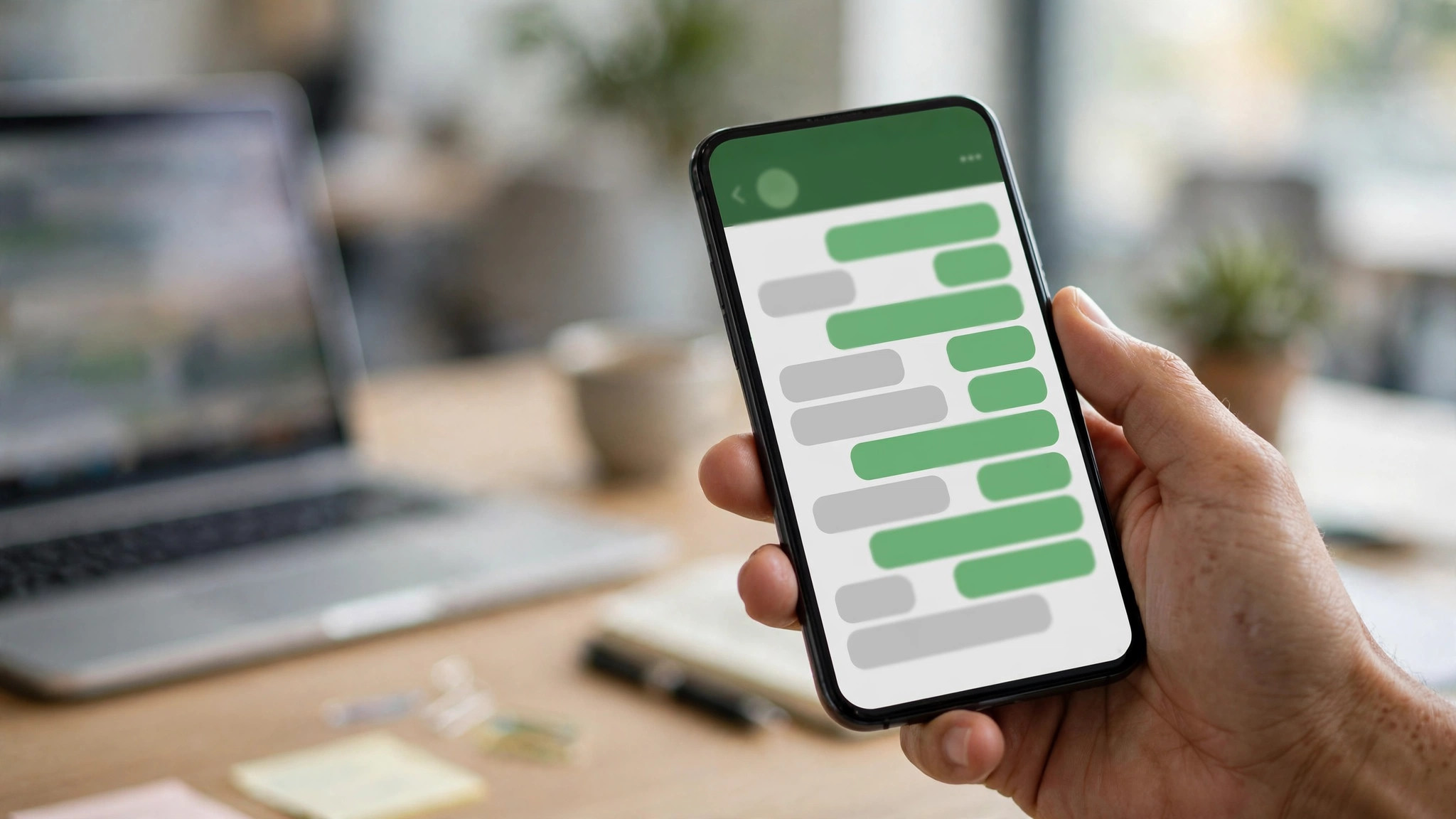

“WhatsApp Business Chatbot: The Complete 2026 Setup Guide”
WhatsApp Business Chatbot: The Complete 2026 Setup Guide
Your customers are on WhatsApp. Not sometimes — constantly. For businesses in 2026, WhatsApp is where support questions, booking requests, and purchase decisions actually happen, especially outside the US. A WhatsApp business chatbot meets customers there: answering instantly, qualifying leads, booking appointments, and handing off to your team when a human is needed.
This guide walks through the full setup: Business App vs Business API, Meta verification, conversation design, CRM routing, message templates, human handoff, and a testing checklist — everything you need to launch properly.
Business App vs Business API: Choose Correctly
This is the decision that determines everything else:
WhatsApp Business App (free) — the app on your phone. It supports quick replies, labels, and basic automation (greeting messages, away messages). It does NOT support real chatbot integration. Fine for a sole trader handling messages personally; not a chatbot platform.
WhatsApp Business Platform (API) — the only route to a real chatbot. Messages are sent and received programmatically, connected to your chatbot, CRM, and automation tools. Requires a Meta Business account, a verified business, and a phone number that isn't already on the WhatsApp app.
If you want a chatbot — automated conversations, lead qualification, booking flows — you need the API. The free app won't do it, and providers who promise "WhatsApp chatbots" on the free app are selling you auto-replies with a fancy name.
Meta Verification and Number Setup
Getting on the API involves Meta's process:
Meta Business account. Create or use your existing Meta Business account and verify your business (documents, domain, phone).
A dedicated phone number. The number you use for the API can't be on the WhatsApp app or Business App. Many businesses get a new number or migrate a landline.
Display name approval. Your WhatsApp display name (your business name) needs Meta's approval — it must match your business.
Message templates. Proactive messages (reminders, follow-ups, notifications) must use pre-approved templates. Conversations the customer starts don't need templates.
Verification typically takes days, not weeks — but start early, because it's on Meta's timeline, not yours.
Designing the Conversation Flow
A WhatsApp chatbot isn't a website chat widget shrunk down. WhatsApp conversations are personal and terse — design accordingly:
Start with the top 5 intents. What do customers actually ask? Hours, pricing, booking, order status, support. Build those flows first; everything else can hand off to a human.
Keep messages short. WhatsApp users skim. One idea per message, short paragraphs, quick-reply buttons instead of open questions where possible.
Use quick replies and lists. WhatsApp supports interactive buttons and list messages — use them to guide the conversation instead of making the customer type.
Confirm before acting. "Shall I book you for Thursday at 3 PM?" — always confirm bookings, orders, and data changes before committing.
Design the exit. Every flow needs a clear path to a human: "Want to talk to someone? Type AGENT." No dead ends.
CRM Routing and Lead Capture
A WhatsApp chatbot that doesn't connect to your systems is a toy. The real value:
Lead capture. The chatbot collects name, need, and contact details conversationally, then pushes the qualified lead into your CRM automatically.
Routing. New inquiries go to sales, support questions to support, urgent issues escalate immediately — based on what the customer actually said.
Conversation history in the CRM. When your team picks up, they see the full chat history. No "can you repeat your issue?"
Follow-up automation. Abandoned conversations get a nudge. Bookings get confirmations and reminders. Post-purchase, the chatbot requests reviews.
Message Templates: The Rules
WhatsApp requires pre-approved templates for business-initiated messages (anything you send more than 24 hours after the customer's last message, or the first message you send them). Key points:
Categories: Utility (order updates, appointment reminders), Marketing (offers, promotions), Authentication (OTP codes). Each has different rules and pricing.
Approval: Templates are reviewed by Meta — keep them clear, non-spammy, and in the right category.
The 24-hour window: Once a customer messages you, you have 24 hours of free-form conversation. After that, you need a template to re-engage.
Opt-in matters. Customers must have agreed to receive your messages. Purchased lists and cold outreach will get your number banned.
Human Handoff: The Non-Negotiable
Every WhatsApp chatbot needs a clean handoff to a human:
Trigger words. "Agent", "human", "help" — or frustration signals — should route to your team immediately.
Context transfer. The human sees the full conversation, the customer's details, and what the bot already tried.
Availability honesty. If your team is offline, say so: "Our team is offline until 9 AM — the bot can still help with common questions, or leave a message and we'll reply first thing."
Don't trap people. A chatbot that won't let the customer reach a human is worse than no chatbot.
Testing Checklist
Before you launch:
Test every flow end to end — as a customer, on a real phone, on both Android and iOS.
Test the handoff — trigger it deliberately and confirm your team gets the full context.
Test templates — send each approved template and confirm rendering.
Test in your customers' languages — every language you promise.
Load-test the CRM integration — confirm leads actually land in the CRM with the right fields.
Test the edge cases — gibberish, angry customers, "I want a refund", midnight messages.
Confirm opt-in flows — make sure consent is captured and recorded.
Costs: What to Budget
WhatsApp conversation charges. Meta charges per conversation (24-hour windows), with rates varying by country and template category. Marketing conversations cost more than utility ones.
Chatbot build. An AI Website Chatbot extended to WhatsApp is a fixed project — our AI Website Chatbot is $499 one-time; WhatsApp API integration is scoped as a fixed quote.
CRM/automation. Lead Qualification ($699 one-time) or Appointment Booking ($799 one-time) automation pairs naturally with a WhatsApp chatbot.
Ongoing. Support plans $299–$999/month; WhatsApp conversation charges are ongoing per Meta's pricing.
Get the full cost picture — build plus Meta's per-conversation charges — before you commit.
Our Fixed Prices
AI Website Chatbot — $499 one-time
Lead Qualification Automation — $699 one-time
Appointment Booking Automation — $799 one-time
CRM Automation Setup — $999 one-time
Support plans — $299–$999/month
Fixed quotes before work starts, after a free consultation. All USD.
Frequently Asked Questions
Can I build a chatbot on the free WhatsApp Business App?
No — not a real one. The free app supports auto-replies and quick replies, but true chatbot integration (automated conversations, CRM connections, booking flows) requires the WhatsApp Business Platform (API).
How long does Meta verification take?
Typically days, not weeks — but it's on Meta's timeline. Start the verification process early, alongside the chatbot build, so it doesn't gate your launch.
Do I need a new phone number for the WhatsApp API?
The number used for the API can't be active on the WhatsApp app or Business App. Many businesses provision a new number or migrate a landline number to the API.
What are WhatsApp message templates?
Pre-approved message formats required for business-initiated conversations (outside the 24-hour customer-service window). They're categorized as Utility, Marketing, or Authentication, each with different rules and per-conversation pricing.
How much does WhatsApp charge per conversation?
Meta charges per 24-hour conversation window, with rates varying by country and template category (marketing costs more than utility). Check Meta's current pricing for your markets — it's separate from your chatbot build cost.
Can the chatbot hand off to my team?
Yes — and it must. A proper handoff routes the conversation to your team with full chat history and customer details attached. Trigger words like "agent" or frustration signals should escalate immediately.
Will customers know it's a chatbot?
They'll figure it out quickly, and that's fine — be transparent. Customers care about getting helped fast, not about being fooled. A brief disclosure builds trust.
What happens if a customer messages at 3 AM?
The chatbot answers what it can — FAQs, booking, lead capture — and queues anything needing a human for the morning, with an honest note about when your team is back.
Launch Your WhatsApp Chatbot Properly
WhatsApp is where your customers already are. A properly built chatbot — on the real API, verified, integrated with your CRM, with a clean human handoff — turns that channel into bookings and sales instead of unread messages. Start with a free consultation and get a fixed quote.
Santol Edge Team
AuthorWrites extensively about generative AI, autonomous agent design, enterprise automation architectures, and customer experience engineering at Santol Edge.
Read Next

How AI Automation Helps Modern Businesses Scale 10x Faster
Discover how forward-thinking companies are deploying intelligent agents and automated pipelines to reduce overhead and boost revenue.

How AI Chatbots Transform Customer Support and Business Growth
Learn how AI chatbots improve customer response times, qualify leads, support teams, and create more consistent customer experiences.

AI Voice Agents: What They Are and How They Work
Understand where voice agents add value, how they connect with business systems, and what to consider before launching one.
Community Comments (0)
Sep 30, 2026Elisa Gabriella
VP of Operations · BrightSync
“A genuinely useful piece — the point about consolidating thin pages matches what we saw on our own platform last year. Deploying automated workflows cut roughly half our manual ticket volume and resolution speed went up significantly.”
Leave a Reply
Your email address will not be published. Required fields are marked *