
Santol Edge Team
AI Research & Engineering at Santol Edge
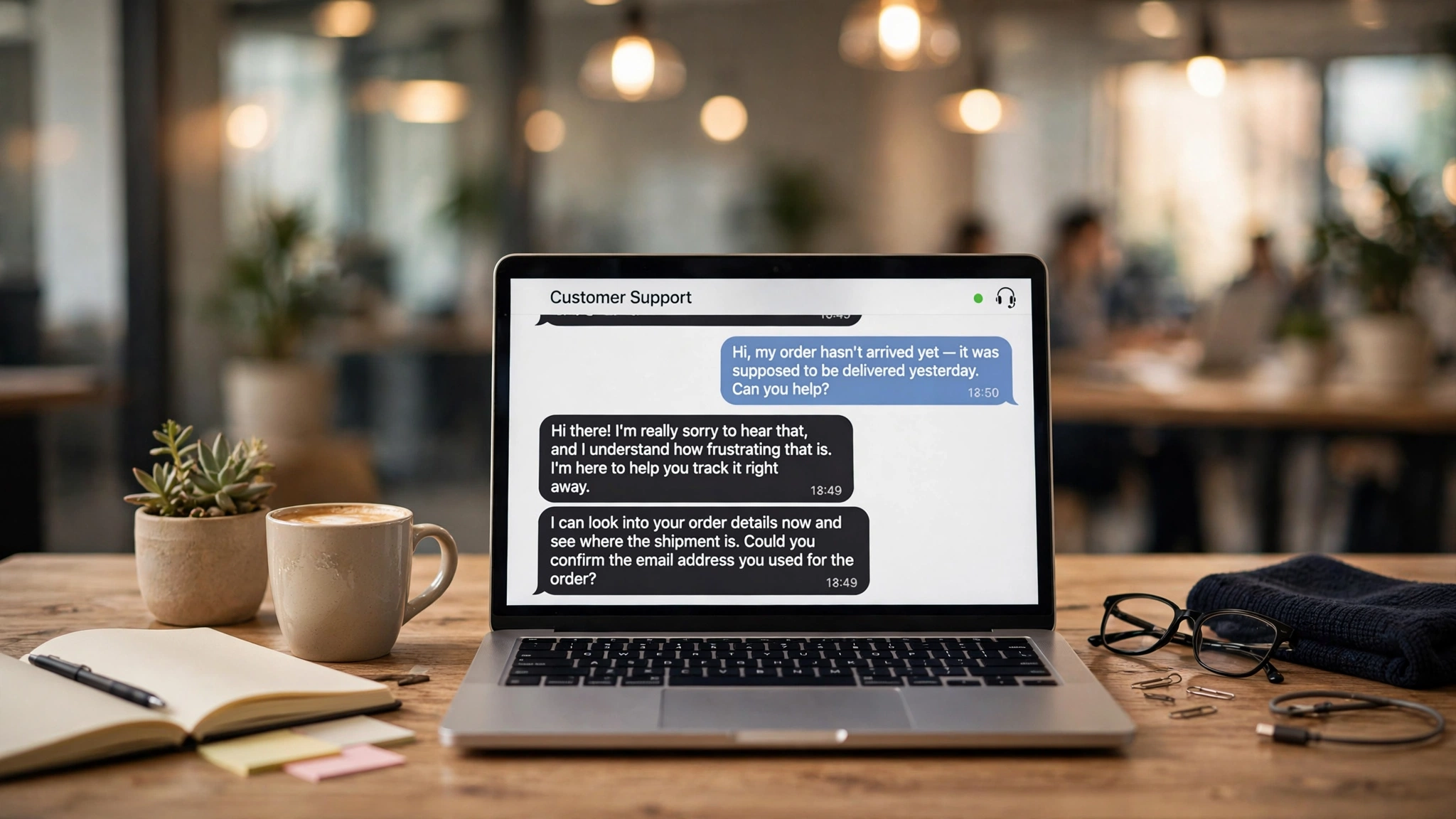

“Chatbot Lead Qualification Scripts That Actually Work (2026)”
Chatbot Lead Qualification Scripts That Actually Work (2026)
Most website visitors never fill out a contact form. They read your pricing page, hesitate for ten seconds, and leave. A well-written chatbot lead qualification script changes that: it starts the conversation while the visitor is still warm, asks a few smart questions, and hands your sales team a lead that already has context — budget range, timeline, and need — instead of a name and an email.
But most chatbot scripts fail. They read like interrogations: "What is your name? What is your budget? What is your timeline?" Visitors bail after question two. The scripts below are written differently — they're conversations first, qualification second. Copy them, adapt the wording to your business, and you'll see the difference.
Why Most Chatbot Qualification Scripts Fail
Before the scripts, the three rules that make them work:
1. Conversation first, form second. A visitor talking to a chatbot should feel like they're chatting with a helpful salesperson, not filling in a form one field at a time. Every question should earn its place by leading to a better answer or a better offer.
2. Maximum three questions before the payoff. Attention collapses fast in chat. After two or three questions, give the visitor something: a recommendation, a price range, a booking link. You can always collect the rest later — the goal of qualification is to sort, not to complete a census.
3. Always offer an escape hatch. Some visitors want a human. Some just want a price. If your bot traps people in a question tree, they close the tab. Every script below includes a "talk to a person" and "just browsing" path, and that's deliberate.
Underlying all of these is the classic BANT framework — Budget, Authority, Need, Timeline — the same criteria sales teams have used for decades. The trick is that the bot never says those words. It asks them in plain language, one at a time.
Script 1: Home Service Business (HVAC, Plumbing, Electrical, Roofing)
This script handles the classic service-business visitor: they have a problem, they want a quote, and they're probably also checking two competitors.
Bot: Hey! Looking for help with a [service] issue today, or just getting an idea of pricing? (The visitor's answer tells you their intent immediately — urgent problem vs. research mode.)
Visitor: My AC stopped working last night.
Bot: Got it — that's rough, especially with this heat. Is this at a home or a commercial property? (Property type changes pricing and who decides.)
Visitor: Home.
Bot: Two quick things so I can point you in the right direction — is the unit still under warranty, and do you need someone out today, or is this more of a this-week thing? (Urgency = Timeline. Warranty = which offer fits.)
Visitor: I need someone today if possible.
Bot: Perfect, I can help with that. Let me grab your name and phone number and I'll have a technician call you within the hour to confirm a time. If you'd rather talk to someone right now, here's our line: [phone].
(If the visitor had said "just getting pricing," the bot would instead give a rough range and offer to schedule a free estimate.)
What the sales team receives: "Name, phone, residential AC repair, urgent (today), out of warranty. Call within 1 hour." That's a hot lead with a promised follow-up time — nothing left to guess.
The unqualified path: If the visitor says they just need a part, or they're outside the service area, the bot says so honestly: "We cover [area] — for this one, [local parts supplier] might actually be your fastest option." A bot that admits it can't help builds more trust than one that books a job you don't do.
Script 2: Marketing Agency / B2B Service Business
B2B visitors are cautious. They won't hand over a budget number to a chatbot. So this script qualifies without ever asking "what's your budget?"
Bot: Hi! Are you looking for help with a specific project, or just exploring what's possible?
Visitor: We need help with lead generation. Our website isn't bringing in much.
Bot: Makes sense — that's the most common thing we hear. Quick one: what's your monthly traffic roughly like? Under 1k, 1–10k, or 10k+ visitors? (Traffic bracket = company scale, without asking revenue.)
Visitor: Around 5k a month.
Bot: Thanks — that's a solid base to work with. And is there anyone else involved in deciding on marketing spend, or is that mostly your call? (Authority — asked casually, not like a gatekeeper question.)
Visitor: I'd need to bring it to my co-founder.
Bot: Totally normal. Here's what I'd suggest: a free 20-minute call where we look at your site and give you 2–3 concrete things you could fix this week — whether or not we end up working together. Want me to grab you a slot, or should I email the summary to you and your co-founder first?
(Need confirmed, Authority mapped, Timeline implied — and the offer is low-pressure and genuinely useful.)
Why this works: The visitor never felt qualified. They felt helped. Yet the sales team now knows: mid-size site, co-founder decision, lead-gen need, pre-sale stage. If that same visitor had answered "under 1k" and "just me, and we're pre-revenue," the bot would have pointed them to the blog or a starter package instead of a sales call — protecting everyone's time.
Script 3: E-commerce / Product Business
Product buyers want answers, not conversations. This script qualifies in one question and converts in two.
Bot: Hi! Looking for something specific, or want me to point you to what's popular right now?
Visitor: I'm looking for a gift for my dad, something under $100.
Bot: Great budget range. Is he more into outdoor gear or tech gadgets?
Visitor: Tech.
Bot: These two are our best-rated tech gifts under $100 — both ship free and arrive by Friday. [Product A] [Product B]. Want details on either, or help with anything else?
Behind the scenes, the bot records: gift purchase, $100 budget cap, tech category, shipping deadline (Friday). If the visitor abandons the chat, the follow-up email writes itself: "Still hunting for that tech gift under $100? Here are the two we talked about — order by Wednesday for Friday delivery."
The Scoring Rules Behind Good Scripts
Scripts collect the answers; scoring decides what happens next. Every business running qualification scripts should define, in plain words, what counts as a qualified lead. A simple version that works for most service businesses:
Hot: Need confirmed + timeline within 2 weeks + right service area + decision-maker involved. Action: human follow-up within the hour (call or text).
Warm: Need confirmed but timeline unclear, or authority unclear. Action: email a helpful resource, add to follow-up sequence, offer a low-pressure consultation.
Cold: Wrong service, wrong geography, or clearly just researching. Action: helpful answer + point to the right resource. Don't push a sales call — it wastes everyone's time and trains people to distrust your chat.
The exact rules should mirror how your sales team already qualifies by phone. If your closers ask about budget on the first call, the bot can ask it too — in plain language, with a range selector instead of an open text box ("Under $1k / $1–5k / $5k+ / Just researching") so visitors answer instead of bailing.
5 Mistakes That Kill Chatbot Conversion
Opening with "What's your name?" Nobody's name is needed before value is delivered. Ask after the visitor has gotten something useful.
More than three questions in a row. The moment a chat feels like a form, people leave. Alternate questions with answers, offers, or small wins.
No human handoff. If someone types "let me talk to a person" and the bot loops back to its questions, you've lost them permanently. Always have a clean escalation path.
Asking for email before giving value. The email capture should be the last step of a helpful exchange, not the first. Earn the contact, don't demand it.
Identical scripts on every page. A visitor on your pricing page has different intent than one on your blog. Page-specific opening lines — "Questions about our pricing?" vs. "Want me to explain how this works for businesses like yours?" — qualify better because they start from where the visitor already is.
Putting It on Your Website
You don't need enterprise software to run these scripts. A modern AI chatbot can handle free-text answers, follow the conversation naturally, and push structured lead data into your CRM — so your team sees "hot, urgent, residential, call within 1 hour" instead of a raw chat transcript. The key is writing the script around your actual sales process first, then building the bot to match it, not the other way around.
At Santol Edge, we build lead qualification chatbots around scripts like these — conversational flows mapped to your real sales process, with CRM integration so qualified leads arrive with full context. Our AI Website Chatbot is a $499 one-time package; for automated lead qualification with scoring, follow-up, and CRM routing, see our lead qualification automation at $699 one-time, or book a free consultation and we'll map out what your scripts should look like.
FAQ
What are chatbot lead qualification examples? They're ready-made conversation flows that show how a chatbot can identify serious buyers — for example, asking a visitor about their project timeline and budget range, then routing hot leads to sales and sending researchers to helpful content. The scripts in this article are copy-paste examples for service businesses, agencies, and e-commerce.
How many questions should a chatbot ask to qualify a lead? Two to three questions is the sweet spot. Fewer than two and you can't reliably sort leads; more than three in a row and abandonment climbs sharply. If you need more data, collect it after the visitor has received something useful — a recommendation, a quote, or a booking link.
What is BANT in chatbot lead qualification? BANT stands for Budget, Authority, Need, and Timeline — the classic sales qualification framework. In a chatbot, you don't ask these bluntly. "Budget" becomes a price-range selector, "Authority" becomes "is anyone else involved in the decision?", "Need" is whatever problem they describe, and "Timeline" is "when do you need this done?"
Should a chatbot ask for budget directly? Usually not in open text. Visitors guard budget numbers. A range selector ("Under $1k / $1–5k / $5k+ / Just researching") gets far more responses than "What's your budget?" — and for routing purposes, the range is all you need.
What should a chatbot do with unqualified leads? Be honest and helpful. Point them to the right resource — a pricing page, a blog guide, or even a competitor or supplier if you genuinely can't help. Pushing a sales call on someone who doesn't need you wastes your team's time and teaches visitors to distrust your chat widget.
How does a chatbot know when to hand off to a human? Good bots watch for three signals: explicit requests ("let me talk to someone"), frustration signals (repeated similar messages, long pauses, negative words), and hot-lead triggers (urgent timeline, high budget). Any of these should trigger an immediate, clean handoff — not another bot question.
How much does a lead qualification chatbot cost? It depends on depth. A website chatbot that handles conversations and captures leads runs around $499 one-time at Santol Edge. A fuller lead qualification setup — with scoring rules, CRM routing, and automated follow-up — is $699 one-time. Complex multi-channel setups are quoted after a free consultation.
Do chatbot qualification scripts work for B2B? Yes, with softer wording. B2B buyers won't answer blunt budget questions, but they will answer scale questions ("what's your monthly traffic?"), urgency questions ("when does this need to go live?"), and authority questions ("who else weighs in on this?"). The qualification data is the same — only the phrasing changes.
Santol Edge Team
AuthorWrites extensively about generative AI, autonomous agent design, enterprise automation architectures, and customer experience engineering at Santol Edge.
Read Next

How AI Automation Helps Modern Businesses Scale 10x Faster
Discover how forward-thinking companies are deploying intelligent agents and automated pipelines to reduce overhead and boost revenue.

How AI Chatbots Transform Customer Support and Business Growth
Learn how AI chatbots improve customer response times, qualify leads, support teams, and create more consistent customer experiences.

AI Voice Agents: What They Are and How They Work
Understand where voice agents add value, how they connect with business systems, and what to consider before launching one.
Community Comments (0)
Sep 25, 2026Elisa Gabriella
VP of Operations · BrightSync
“A genuinely useful piece — the point about consolidating thin pages matches what we saw on our own platform last year. Deploying automated workflows cut roughly half our manual ticket volume and resolution speed went up significantly.”
Leave a Reply
Your email address will not be published. Required fields are marked *