
Santol Edge Team
AI Research & Engineering at Santol Edge
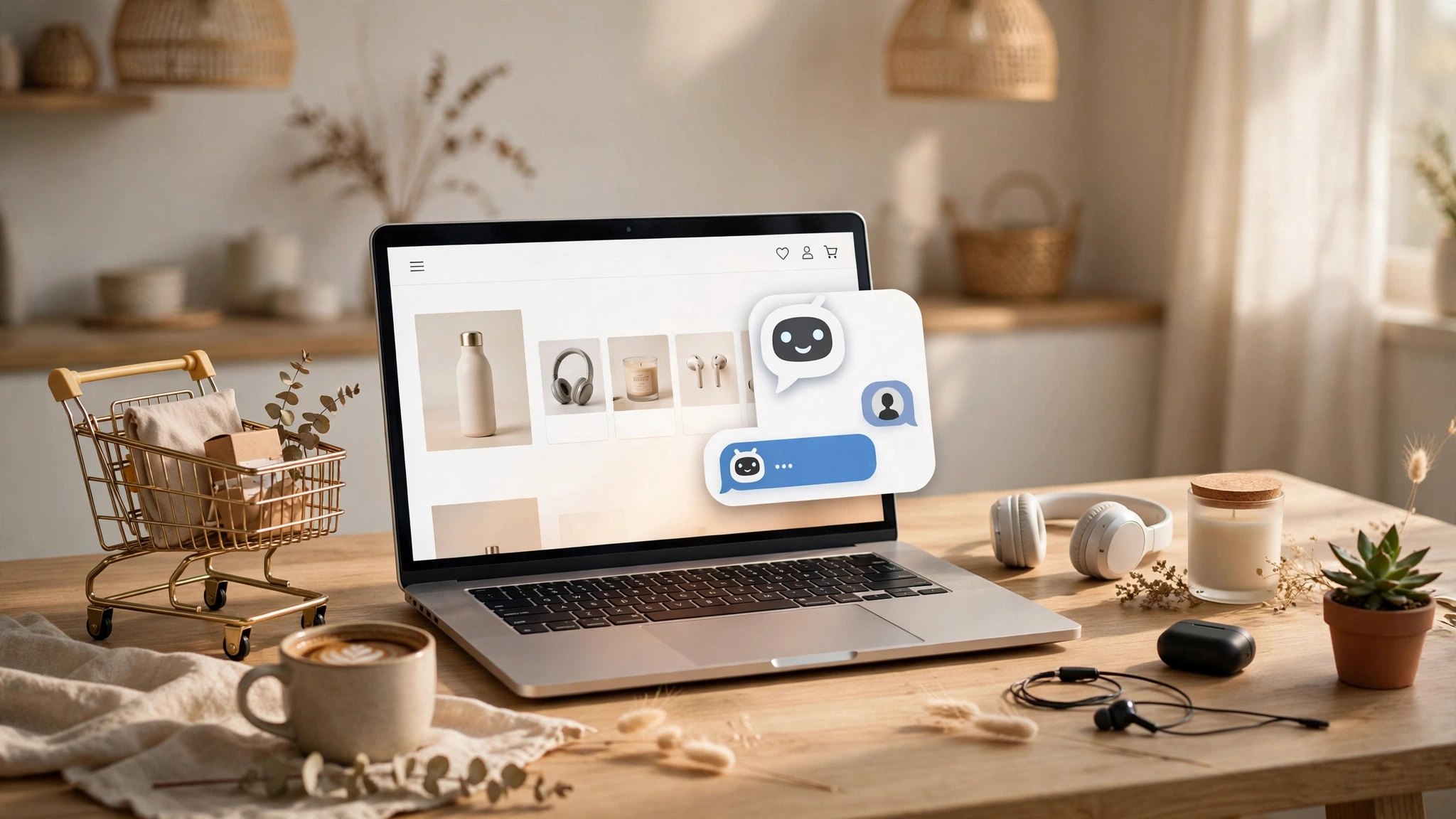

“A practical e-commerce chatbot playbook for 2026: cart recovery timing, product finders, WISMO deflection and post-purchase upsells — with copy examples.”
The E-commerce Chatbot Playbook: 6 Plays That Recover Carts and Lift AOV (2026)
Most e-commerce stores don't have a traffic problem. They have a conversation problem. Shoppers land on a product page with a question — about sizing, shipping times, whether two products work together — and there's nobody there to answer. So they leave. Or they add items to a cart, get distracted by a doorbell or a second tab, and never come back.
An e-commerce chatbot fixes exactly this: it's a conversation layer on your store that answers pre-purchase questions, nudges abandoned carts, recommends the right product, and follows up after the sale — around the clock, in the shopper's own words. This playbook covers the six plays that actually move revenue for online stores in 2026, with example copy you can adapt to your own shop.
How E-commerce Chatbots Make Money (the 4 Mechanisms)
Before the plays, it helps to see the four ways a store chatbot earns its keep. Every play below maps to one of these:
Answering the pre-purchase question that would otherwise send the shopper to a competitor or out the door.
Recovering abandoned carts with a timed, personal message instead of a generic email blast.
Raising average order value (AOV) by surfacing related products at the moment of highest intent.
Deflecting support tickets (where's my order, returns, sizing) so your team isn't drowning in repeat questions.
If a chatbot feature doesn't clearly serve one of these four, it's a nice-to-have — build the revenue plays first.
Play 1: The Product Finder Quiz
The classic e-commerce failure mode is choice overload. A skincare store with 80 serums. A sneaker shop with 200 models. Shoppers browse, feel overwhelmed, and bounce. A product finder quiz turns browsing into a two-minute conversation that ends with "here are the three products for you."
How it works: the chatbot asks two or three questions — skin type and concern, running style and distance, budget and use case — then recommends a short list pulled from your actual catalog. The key detail: recommendations should come from your product data (prices, stock, attributes), not from the model's imagination. A bot that recommends an out-of-stock product is worse than no bot at all.
Example flow:
Bot: Looking for something specific, or want me to narrow it down for you?
Shopper: I need a moisturizer but there are so many.
Bot: I hear that a lot. Two quick questions: is your skin more dry, oily, or sensitive?
Shopper: Sensitive.
Bot: Got it — and are you shopping for day wear, night, or both?
Shopper: Both.
Bot: Here are our two best-rated fragrance-free picks for sensitive skin — [Product A] and [Product B]. Want details on either, or help with anything else?
Why it works: the shopper arrived with intent but no decision. Three questions later they have a shortlist. Stores that run product finders on high-traffic category pages consistently see higher engagement than static filters alone, because the conversation does the filtering work the shopper didn't want to do.
Play 2: Abandoned-Cart Recovery (Timing Is the Whole Game)
Cart abandonment is the highest-ROI play on this list, and also the one most stores execute badly — usually with a single "you forgot something" email sent too late, too generic, and too easy to ignore.
The research angle that matters in 2026: timing and personalization. One 2026 technical build guide for Shopify stores reported A/B testing recovery windows of 15, 30, 45, 60, and 90 minutes, and finding that a ~45-minute delay won on recovered revenue per send — early enough to catch the comparison-shopper before they buy elsewhere, late enough not to interrupt the still-browsing shopper. Your store's ideal window may differ; the point is that it's worth testing rather than defaulting to "tomorrow morning."
The second upgrade: make the message a conversation, not a broadcast. A chatbot-based recovery flow can show the shopper their exact cart, answer the objection that stopped the purchase ("is this machine-washable?", "how long is delivery to Manchester?"), and only then offer an incentive — a unique, time-bound code rather than a public discount that trains customers to abandon on purpose.
A practical three-step recovery sequence:
First touch (under 1 hour): a useful reminder with the exact cart and a one-tap return link. No discount yet — just friction removal.
Second touch (12–24 hours): handle hesitation — shipping info, returns policy, a review or two. Reinforce value, not urgency.
Final push (48–72 hours): a controlled, expiring incentive if the cart value justifies it. Keep it unique per shopper to avoid discount dependency.
And segment before you send: trigger only on genuine checkout abandonment (not casual browsing), segment by cart value and customer history, and respect channel consent — SMS and WhatsApp only where the shopper opted in.
Play 3: WISMO Deflection ("Where Is My Order?")
"Where is my order" is the highest-volume ticket category in most e-commerce support queues. It's also the most automatable: the shopper wants a tracking number and an ETA, and a chatbot connected to your order system and carrier tracking can answer in seconds — 24/7, in whatever language the shopper writes in.
The play that most builds skip: escalation on delay. If the tracking data shows a delay past your promised SLA, the bot shouldn't just report the tracking — it should acknowledge the miss, offer options (expedited reship, partial refund per your policy), and hand to a human where the policy needs judgment. A bot that says "your package is delayed" and stops is a ticket generator; a bot that resolves the delay is a retention tool.
To run this play you need the bot wired into your order API and a tracking source (your carrier, or a multi-carrier service). That's integration work — which is exactly why it pays off: competitors with plugin bots can't do it, and your support team stops answering the same question forty times a day.
Play 4: Browse-Abandonment Nudges
Not every valuable shopper reaches checkout. Many browse five product pages, compare two options, and leave — high intent, zero cart. Browse-abandonment plays catch these shoppers with a well-timed on-site or WhatsApp nudge.
The honest version of this play: it only works with identification and consent. On-site, a chatbot can trigger after exit intent or deep browsing ("Still deciding between the two models? Want the side-by-side?"). Off-site, you need an email or WhatsApp opt-in — which the chatbot itself can earn by offering something genuinely useful first (a sizing guide, a restock alert, a first-order code).
What not to do: pop the chat up on every visitor after three seconds. That trains shoppers to close it on sight. Trigger on behavior — repeat visits, category depth, comparison-page views — and the conversation feels like help, not an ambush.
Play 5: Post-Purchase Upsells and Replenishment
The sale is not the end of the conversation; it's the beginning of the cheapest revenue your store will ever earn. Two chatbot plays live here:
The thank-you-page upsell. Right after checkout, the bot can suggest the one accessory that pairs with the purchase — the case for the phone, the filter for the coffee machine. Conversion is highest here because trust and intent peak at the moment of purchase. Keep it to one recommendation, not a carousel.
Replenishment reminders. For consumables — skincare, supplements, pet food, coffee — the bot can message the shopper when their supply is likely running out, with a one-tap reorder. This is the play with the highest lifetime-value impact on the list: it turns a one-time buyer into a subscription-like repeat customer without a subscription's commitment friction.
Play 6: Review Capture at the Right Moment
Reviews are a conversion asset — shoppers trust them more than your product copy — but most stores ask for them with a generic email blast weeks later. A chatbot can time the ask to the delivery confirmation: "Your order arrived yesterday — how's the fit?" If the answer is positive, route to a review; if it's negative, route to support before it becomes a one-star review. That triage is the difference between a review program and a review liability.
What It Costs to Run These Plays
You don't need an enterprise budget. A focused e-commerce chatbot covering product Q&A, cart recovery, and WISMO typically starts as a contained project:
AI Website Chatbot: $499 one-time — trained on your store (products, policies, FAQs) and deployed on your website. Covers the on-site plays: product finder, pre-purchase Q&A, WISMO.
Multi-channel builds (WhatsApp cart recovery, Instagram DMs, order-system integrations): fixed quote after a free consultation. The integrations — order API, tracking, Klaviyo/SMS — are what move a bot from "helpful" to "revenue-generating," so scope these honestly.
Ongoing costs to budget: your messaging volume (WhatsApp/SMS per-message fees from the providers), and any app subscriptions in your recovery stack. We'll list every recurring cost during scoping — no surprises.
5 Mistakes That Kill E-commerce Chatbot ROI
Recommending from imagination. If the bot isn't reading your live catalog, it will eventually suggest something out of stock or discontinued. Ground every recommendation in product data.
One generic cart email and done. Recovery is a sequenced, segmented system — timing, channel, and objection-handling — not a single template.
Pop-ups for everyone. Untriggered chat pop-ups get closed on sight and train shoppers to ignore you. Trigger on behavior.
No escalation path. A bot that can't hand a frustrated shopper to a human turns a solvable problem into a lost customer and a bad review.
Measuring vanity metrics. Track recovered revenue, AOV lift, and deflected tickets — not "conversations started."
Frequently Asked Questions
Do e-commerce chatbots actually increase sales, or is it just hype?
They increase sales through specific mechanisms: answering the pre-purchase question that would otherwise go unanswered, recovering abandoned carts with timed messages, and surfacing related products at peak intent. The mechanism is well documented; the size of the lift depends on your traffic quality and how well the plays above are executed.
Which platform should the chatbot run on — website, WhatsApp, or Instagram?
Start where your shoppers already are. Website chat covers on-site plays (product finder, WISMO, checkout help). WhatsApp and SMS are best for recovery and replenishment — but only with opt-in. Instagram DMs matter if social drives your discovery. One bot can serve all of them from the same knowledge base.
How does the chatbot know my products and stock levels?
Through integration with your store platform (Shopify, WooCommerce, or custom). The bot reads your live catalog — names, prices, variants, stock status — so recommendations and answers reflect reality. This integration is part of the build, not an afterthought.
Will a chatbot annoy my customers?
Only if it's badly designed. Behavior-triggered, genuinely helpful conversations don't annoy people — untriggered pop-ups and interrogation-style question trees do. The plays in this guide are all opt-in or behavior-triggered by design.
Can it handle returns and refunds?
It can handle the routine parts — policy answers, return-label generation, status updates — and escalate anything requiring judgment (damaged items, disputes) to your team with full context. Define the policy boundaries during the build.
How long does it take to launch?
A focused e-commerce chatbot (on-site plays) typically launches in 2–8 weeks. Multi-channel recovery flows with order-system integrations take longer — we'll give you a fixed timeline with your quote.
Ready to Put Your Store on Autopilot?
Tell us about your store — your platform, your top three customer questions, and where you're losing sales. We'll design the chatbot plays with the fastest payback for your catalog. Contact us for a free consultation and a fixed project quote.
Related Services
AI Chatbot Development Services — custom chatbots trained on your business.
AI Automation Services — cart recovery sequences, review requests, and follow-up automation.
Web Development Services — e-commerce stores built to convert chatbot traffic.
Related Blog Posts
Santol Edge Team
AuthorWrites extensively about generative AI, autonomous agent design, enterprise automation architectures, and customer experience engineering at Santol Edge.
Read Next

How AI Automation Helps Modern Businesses Scale 10x Faster
Discover how forward-thinking companies are deploying intelligent agents and automated pipelines to reduce overhead and boost revenue.

How AI Chatbots Transform Customer Support and Business Growth
Learn how AI chatbots improve customer response times, qualify leads, support teams, and create more consistent customer experiences.

AI Voice Agents: What They Are and How They Work
Understand where voice agents add value, how they connect with business systems, and what to consider before launching one.
Community Comments (0)
Sep 25, 2026Elisa Gabriella
VP of Operations · BrightSync
“A genuinely useful piece — the point about consolidating thin pages matches what we saw on our own platform last year. Deploying automated workflows cut roughly half our manual ticket volume and resolution speed went up significantly.”
Leave a Reply
Your email address will not be published. Required fields are marked *