
Santol Edge Team
AI Research & Engineering at Santol Edge
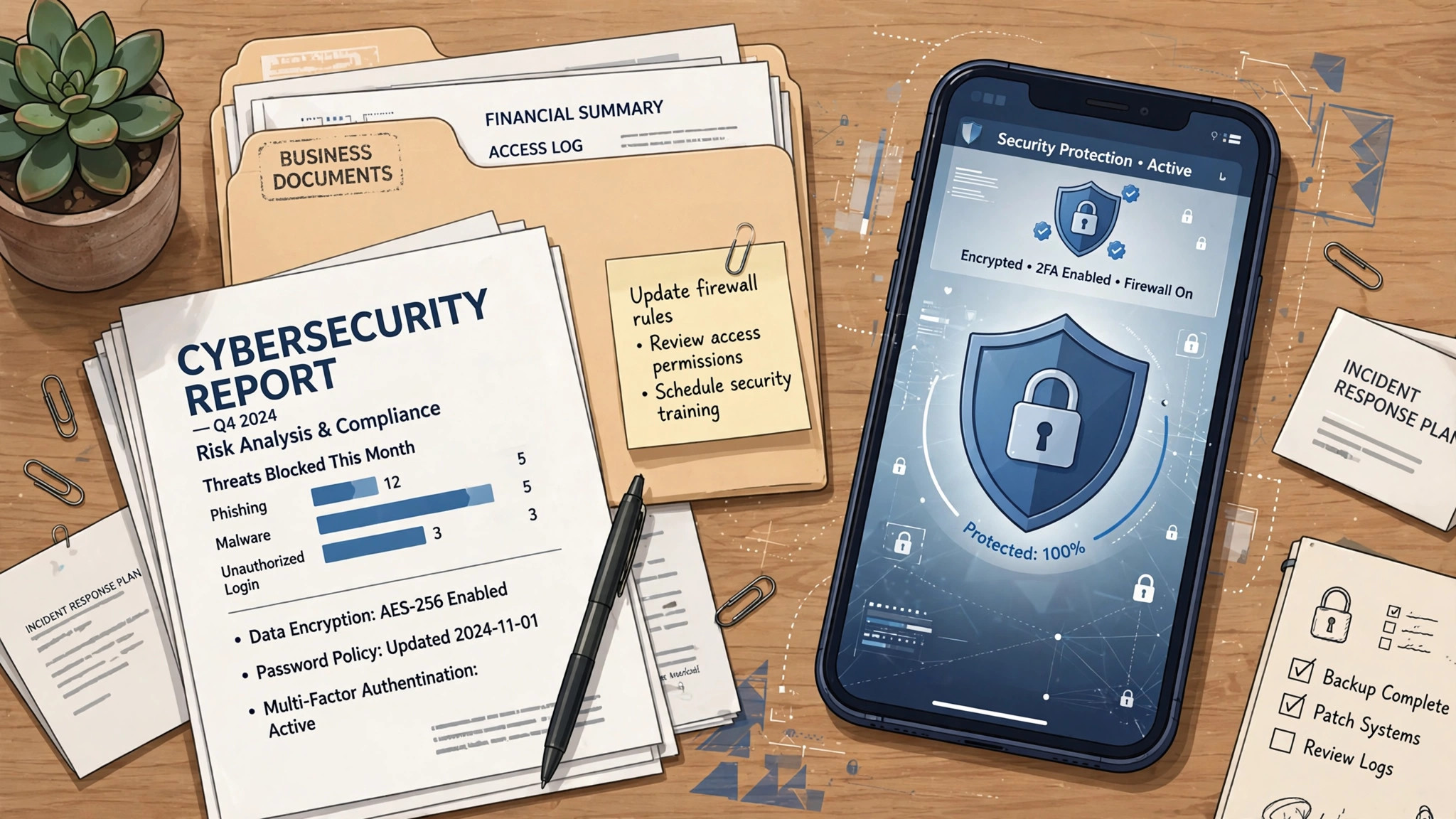

“Mobile App Security: What Business Owners Should Demand in 2026”
# Mobile App Security: What Business Owners Should Demand in 2026
Your mobile app holds customer names, emails, payment details, location data — everything an attacker wants and everything a regulator cares about. Most business owners never think about app security until something goes wrong: a breach, an app store rejection, or a customer asking where their data went.
You do not need to become a security engineer. But you do need to know what to demand from whoever builds your app. This is the non-technical checklist — written for the person signing off on the project, not the person writing the code.
## Why This Is Your Problem, Not Just Your Developer's
When a breach happens, customers blame your business, not your agency. Regulators fine your business, not your developer. App stores pull your app, not your contractor's portfolio. Security decisions made during development — how data is stored, how logins work, what gets sent where — are extremely expensive to fix after launch and cheap to get right during the build.
The good news: for a typical business app, security is a known checklist, not a research project. Any competent development team should be able to walk through every item below and show you how their build handles it.
## The Checklist: 10 Things to Demand
1. Encrypted data in transit. All communication between the app and your servers must use modern encryption (TLS). No exceptions, no "we'll add it later." Ask: "Show me that all API traffic is encrypted."
2. Encrypted sensitive data at rest. Data stored on the device — login tokens, personal details, cached records — must be encrypted using the platform's secure storage, not plain files. If someone loses their phone, your customers' data should not be readable from it.
3. Secure authentication. Passwords are never stored in plain text — they are hashed with modern algorithms. Better yet, support biometric login (fingerprint, face) and multi-factor authentication for sensitive actions. Ask how sessions expire and what happens when a user logs out on a lost device.
4. API security. Your app talks to your servers through APIs, and those APIs are the most common attack target. Demand authenticated, rate-limited endpoints — no open API that anyone on the internet can query. Ask: "What stops someone from calling our API directly and pulling customer data?"
5. Minimal data collection. The app should collect only what it needs. Every extra field — location history, contacts access, device identifiers — is a liability. This is also a legal matter: privacy regulations in the EU, UK, California, and elsewhere require data minimization, and app stores now ask developers to declare exactly what they collect.
6. Secure third-party integrations. Analytics SDKs, crash reporters, ad networks, payment processors — each one is a door into your app. Demand a list of every third-party SDK in the build and what data each receives. Remove anything that is not pulling its weight.
7. Proper app store privacy declarations. Both Apple and Google require accurate privacy labels describing data collection. These must match reality — a mismatch discovered later means rejection or removal. Your developer should prepare these with you, not guess at them.
8. Regular updates and dependency hygiene. The libraries your app is built on get security patches constantly. Demand a maintenance plan that keeps dependencies updated — an app built in 2026 and never updated is vulnerable by 2027. Our mobile app maintenance guidance covers what this costs realistically.
9. Secure payment handling. If your app takes payments, never handle raw card data yourself — use a certified payment provider's SDK (Stripe, Adyen, and similar), which keeps the sensitive data out of your systems entirely. Ask: "Does card data ever touch our servers?" The answer should be no.
10. An incident plan. Ask before launch: if there is a breach, what happens in the first 24 hours? Who is notified, how are users protected, who fixes it? A team with no answer has not thought about security seriously.
## Red Flags in a Developer's Answer
Watch for these: "Security is handled by the app store" (it isn't — stores check packaging, not your code). "We'll add security in phase two" (retrofitting security costs multiples of building it in). Vague answers to "where is user data stored and who can access it" (if they cannot answer plainly, they have not designed it). And no mention of updates after launch — security is ongoing, not a launch-day checkbox.
## What Secure Development Costs
Security done properly is part of a professional build, not a luxury add-on. Our mobile app development starts from $3,500 (USD) — and the security checklist above is baked into how we build, not billed as an extra. What costs extra is security theater: expensive audits for simple apps that just need the basics done right, or compliance certifications your business may not actually need. A free consultation will tell you honestly which category your app falls into — we will tell you if you are overthinking it as readily as if you are underthinking it.
## Before You Sign Off on Any App
Ask your development team to walk through all ten items above in plain language and show you — not just tell you — how each is handled. Get the third-party SDK list in writing. Confirm the update and maintenance plan. And make sure the contract is clear on IP ownership terms for the security implementation as for everything else: IP ownership terms are agreed in your contract.
An app your customers trust is an app they keep. [Contact us](/contact) for a free consultation — we build mobile apps with security handled from day one, and we will show you exactly how.
Santol Edge Team
AuthorWrites extensively about generative AI, autonomous agent design, enterprise automation architectures, and customer experience engineering at Santol Edge.
Read Next

How AI Automation Helps Modern Businesses Scale 10x Faster
Discover how forward-thinking companies are deploying intelligent agents and automated pipelines to reduce overhead and boost revenue.

How AI Chatbots Transform Customer Support and Business Growth
Learn how AI chatbots improve customer response times, qualify leads, support teams, and create more consistent customer experiences.

AI Voice Agents: What They Are and How They Work
Understand where voice agents add value, how they connect with business systems, and what to consider before launching one.
Community Comments (0)
Sep 28, 2026Elisa Gabriella
VP of Operations · BrightSync
“A genuinely useful piece — the point about consolidating thin pages matches what we saw on our own platform last year. Deploying automated workflows cut roughly half our manual ticket volume and resolution speed went up significantly.”
Leave a Reply
Your email address will not be published. Required fields are marked *