
Santol Edge Team
AI Research & Engineering at Santol Edge
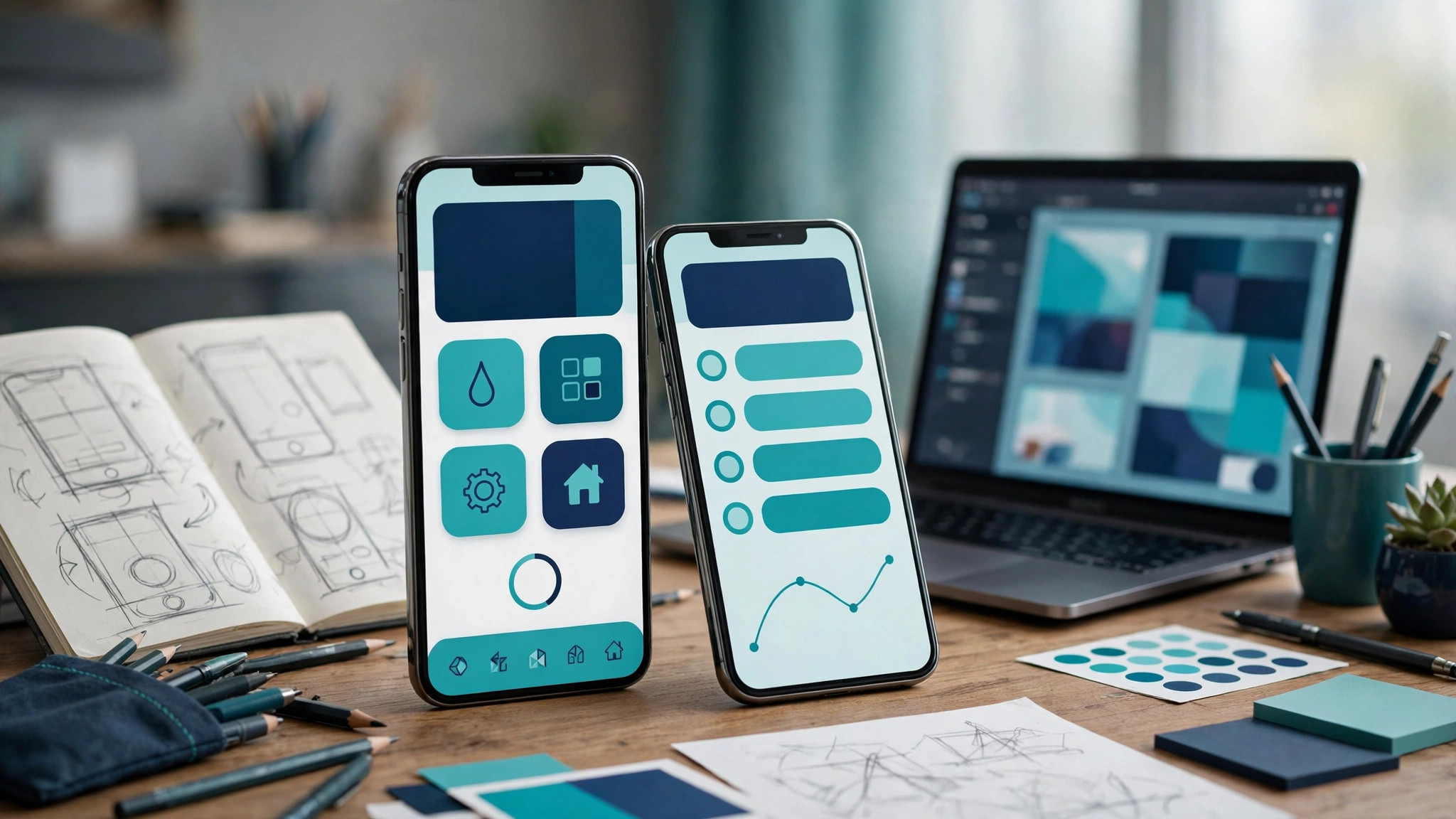

“Mobile App Launch Checklist 2026: The Small-Business Guide to Shipping Right”
Mobile App Launch Checklist 2026: The Small-Business Guide to Shipping Right
Most app launches don't fail because of one big mistake. They fail from small things falling through the cracks: the privacy policy nobody wrote, the screenshots nobody optimized, the store submission left until the night before, the crash that only happens on one popular phone model. A launch checklist turns "I hope we remembered everything" into a calm, owned process.
This guide organizes the launch into phases across roughly 6–8 weeks — from developer accounts to the first 30 days after release — written for small businesses and startups shipping their first (or second) app. If you're still deciding what to build, start with our app idea validation guide; if the app is built and you're close to done, our MVP development guide covers getting v1 shippable.
Phase 1: Foundations (6–8 weeks out)
Set up your developer accounts now, not later. Apple Developer Program enrollment ($99/year) can take days to verify for a business entity — don't discover that the week you want to submit. Google Play Console is a $25 one-time fee, but note: new personal Google Play accounts must run a 14-day closed test with at least 12 testers before getting production access. Company accounts avoid some of this friction, which is one more reason to set up properly.
Lock your app name and branding. Check trademark availability for the app name, secure the domain and social handles, and finalize the icon. Renaming after launch is painful — do it once, early.
Define what success looks like. Downloads? Activation rate? First-month retention? Revenue? Write down 3–5 launch metrics before you ship, or you'll declare victory (or defeat) based on vibes. Our mobile app security best practices guide is also worth reading in this phase — security decisions get expensive to retrofit later.
Get your legal documents in order. You need a privacy policy that matches what your app actually collects (not a template that describes a different app), terms of use, and — if you have accounts — working in-app account deletion. Both stores reject apps with broken or missing privacy policy links; it's one of the most common avoidable rejections.
Phase 2: Technical pre-submission audit (3–4 weeks out)
Crash-free rate and performance. Both stores watch stability signals. Run your app through real-device testing (not just simulators) on popular models your customers actually use. Fix crashes, ANRs (app-not-responding on Android), excessive battery drain, and slow cold starts before submission — negative early reviews about crashes are brutally hard to recover from.
Permissions audit. Every permission your app requests needs a justification the reviewer will accept — and users increasingly deny. If you don't need background location, don't ask for it. Remove every permission that isn't essential to a core feature.
Privacy disclosures. Complete Apple's privacy nutrition label and Google Play's Data Safety form accurately and consistently with your actual privacy policy. Inconsistencies between what you declare and what the app does are a top rejection reason in 2026. When in doubt, disclose more, not less.
Build compliance. Apple requires new submissions to target current SDKs (as of 2026, builds must target the iOS 26 SDK) — make sure your development setup is current well before submission day. An outdated build environment discovered at submission time can cost you a week.
Phase 3: Store listing and ASO (2–3 weeks out)
Your store listing is a landing page that has to convert in seconds. Treat it like one.
App name and subtitle. iOS gives you 30 characters for the name — lead with your primary keyword naturally ("Acme Plumbing — Book & Track"). The subtitle/short description is your second keyword slot; write it for humans first, search second.
Description. Lead with the strongest benefit in the first two lines (that's what shows before "more"). Then features, then social proof. Write for the user deciding in 10 seconds, not for the algorithm.
Screenshots: your highest-leverage asset. The first screenshot is the most valuable real estate on your listing — show the core benefit with bold, readable text, not a bare app screen. Use 5–8 screenshots to tell a story: the problem, your app solving it, the outcome. Design them; don't screenshot-and-upload.
App preview video. For visual or consumer apps, a short preview video lifts install conversion meaningfully. Keep it under 30 seconds, show real app footage, front-load the best moment.
Icon. Simple, distinctive, legible at tiny sizes. Test it against competitors' icons in a crowded search-results view — that's where it has to win.
Keywords (iOS). You get 100 characters, comma-separated, no spaces, no repeats, no words already in your title. Every character counts — don't waste slots.
Our app store optimization guide goes deep on all of this; treat this checklist as the timeline and that guide as the playbook.
Phase 4: Beta testing (2–4 weeks out, overlapping)
Run a real closed beta. TestFlight (iOS) and Google Play's closed testing track exist for a reason — use them with real users, not just your team. Friends-and-family testing catches the obvious; stranger testing catches the real: confusing onboarding, features nobody finds, wording that makes sense only to you.
Instrument analytics before the beta, not after. You want to watch real beta behavior: where users drop off in onboarding, which features get used, where crashes cluster. Firebase, Mixpanel, Amplitude — pick one and wire up the key events before testers arrive.
Collect structured feedback. Give testers a simple channel (a form, a chat group) and specific questions: What confused you? What almost made you quit? What would you tell a friend this app does? Vague "looks good!" feedback is worthless; specific friction reports are gold.
Fix, then freeze. Triage beta findings into must-fix (crashes, broken flows, confusing onboarding) and nice-to-have (everything else). Fix the must-fix list, then freeze the build. Last-minute feature additions in launch week are how new bugs ship.
Phase 5: Submission (1–2 weeks before launch day)
Submit early with a buffer. Plan for one rejection-and-resubmission cycle: Apple review typically takes 24–48 hours for established accounts but first submissions deserve a 7–14 day buffer; Google Play is faster (hours to days) but the closed-test requirement can surprise new accounts. Submit Monday to Wednesday — reviews move faster mid-week than over weekends.
The submission-day checklist:
All metadata final (name, subtitle, description, keywords)
Screenshots and preview video uploaded and rendering correctly
Privacy policy URL live and loading
Privacy labels / Data Safety forms complete and consistent
Age rating questionnaire answered honestly
Contact details and support URL working
Pricing and availability (countries, devices) set intentionally
If you get rejected: read the actual rejection reason carefully (it's usually specific), fix exactly what's asked, and resubmit. Don't argue with reviewers in the first message — fix first, appeal only if the rejection is genuinely wrong.
Phase 6: Launch day
The store listing going live is not the launch — it's the starting gun. Have these ready:
Announce everywhere that matters: email your waitlist first (they're your warmest audience), then social channels, then one community where your users gather (a subreddit, a Facebook group, Product Hunt for tech audiences). Personal beats corporate — founder posts outperform brand posts.
Point your landing page at the stores. Your website should have prominent App Store / Google Play badges on day one. If you don't have a landing page yet, that's a pre-launch failure — build one in Phase 1.
Monitor in real time: crash reporting dashboard open, analytics live, support channel staffed. The first hours surface the issues beta missed because beta never had scale.
Respond to every early review. The first dozen reviews set your rating baseline and your public tone. Thank the positive ones specifically; address the negative ones visibly and fix what they're reporting.
Phase 7: The first 30 days
Ship a first update fast. A 1.1 release within 2–4 weeks signals an alive, maintained app — users and the algorithm both notice. Prioritize from real launch data: top crashes, onboarding drop-off points, most-requested fixes.
Iterate your ASO. Your first keyword guesses were hypotheses. After a few weeks of impression and construction data, refine: swap underperforming keywords, A/B test screenshots if your volume supports it, tighten the description's opening lines.
Ask for ratings at the right moment. Prompt for a review after a successful action (booking completed, order delivered, workout finished) — never mid-task, never on first launch. One well-timed prompt outperforms five badly-timed ones.
Keep the marketing going. Launch day is a spike; months 2–3 are the grind. Content, partnerships, and paid acquisition (if the unit economics work) are what turn a launch into a business.
What a launch costs (beyond development)
Budget beyond the build itself: developer accounts ($99/yr Apple + $25 Google Play one-time), ASO/design assets if you're not doing them in-house, beta testing incentives if needed, and launch marketing. The build is the big number — mobile app development starts from $3,500 with fixed quotes — but founders routinely forget the few hundred dollars of launch infrastructure and then scramble. Plan it in Phase 1.
FAQs
How long does app store review take in 2026?
For established accounts: roughly 24–48 hours on Apple, hours to a few days on Google Play. First submissions should carry a 7–14 day buffer for a possible rejection and resubmission cycle.
What's the most common reason for rejection?
Metadata and disclosure issues: missing or broken privacy policy links, incomplete or inconsistent privacy disclosures, and screenshot violations. Almost all of them are preventable with the Phase 2 audit in this checklist.
Do I need a company to publish an app?
Not strictly, but it's strongly recommended: publishing as an individual puts your personal name on the store listing, and new personal Google Play accounts face the 14-day closed-testing requirement before production access. A company setup looks more professional and avoids both issues.
Should I launch on iOS and Android simultaneously?
If your audience is split, yes — but it's twice the submission work and twice the launch-day monitoring. Businesses with a clearly dominant platform (e.g., US consumer audiences skew iOS) sometimes launch there first, then follow with Android 4–8 weeks later using real user feedback.
How much should I budget for launch marketing?
It depends entirely on your acquisition channels, but have a number written down in Phase 1 — even if it's "sweat equity only." The failure mode isn't spending too little; it's reaching launch day with no plan at all.
Can I update the app after launch without another review?
Content and server-side changes: yes, instantly. Binary updates (new features, fixes in the app code): each needs store review, though expedited review exists for critical fixes. This is why the "fix, then freeze" discipline in beta matters.
Ship calm, not chaotic
A launch checklist doesn't guarantee success — but it guarantees you won't fail from forgetfulness. Work the phases in order, respect the buffers, and treat launch day as the start of the real work, not the finish line.
Building the app is the bigger project, and that's where we come in: Contact us for a free consultation and a fixed quote on your mobile app — iOS, Android, or both, from $3,500. We'll scope it honestly, including telling you if you're not ready to build yet.
Related reading
App Store Optimization Guide 2026 — the ASO playbook behind Phase 3.
MVP App Development Guide — getting v1 shippable before this checklist starts.
App Idea Validation Guide — make sure it's worth building before you build it.
Mobile App Security Best Practices — the Phase 1 reading that saves Phase 2 pain.
Santol Edge Team
AuthorWrites extensively about generative AI, autonomous agent design, enterprise automation architectures, and customer experience engineering at Santol Edge.
Read Next

How AI Automation Helps Modern Businesses Scale 10x Faster
Discover how forward-thinking companies are deploying intelligent agents and automated pipelines to reduce overhead and boost revenue.

How AI Chatbots Transform Customer Support and Business Growth
Learn how AI chatbots improve customer response times, qualify leads, support teams, and create more consistent customer experiences.

AI Voice Agents: What They Are and How They Work
Understand where voice agents add value, how they connect with business systems, and what to consider before launching one.
Community Comments (0)
Oct 7, 2026Elisa Gabriella
VP of Operations · BrightSync
“A genuinely useful piece — the point about consolidating thin pages matches what we saw on our own platform last year. Deploying automated workflows cut roughly half our manual ticket volume and resolution speed went up significantly.”
Leave a Reply
Your email address will not be published. Required fields are marked *