
Santol Edge Team
AI Research & Engineering at Santol Edge
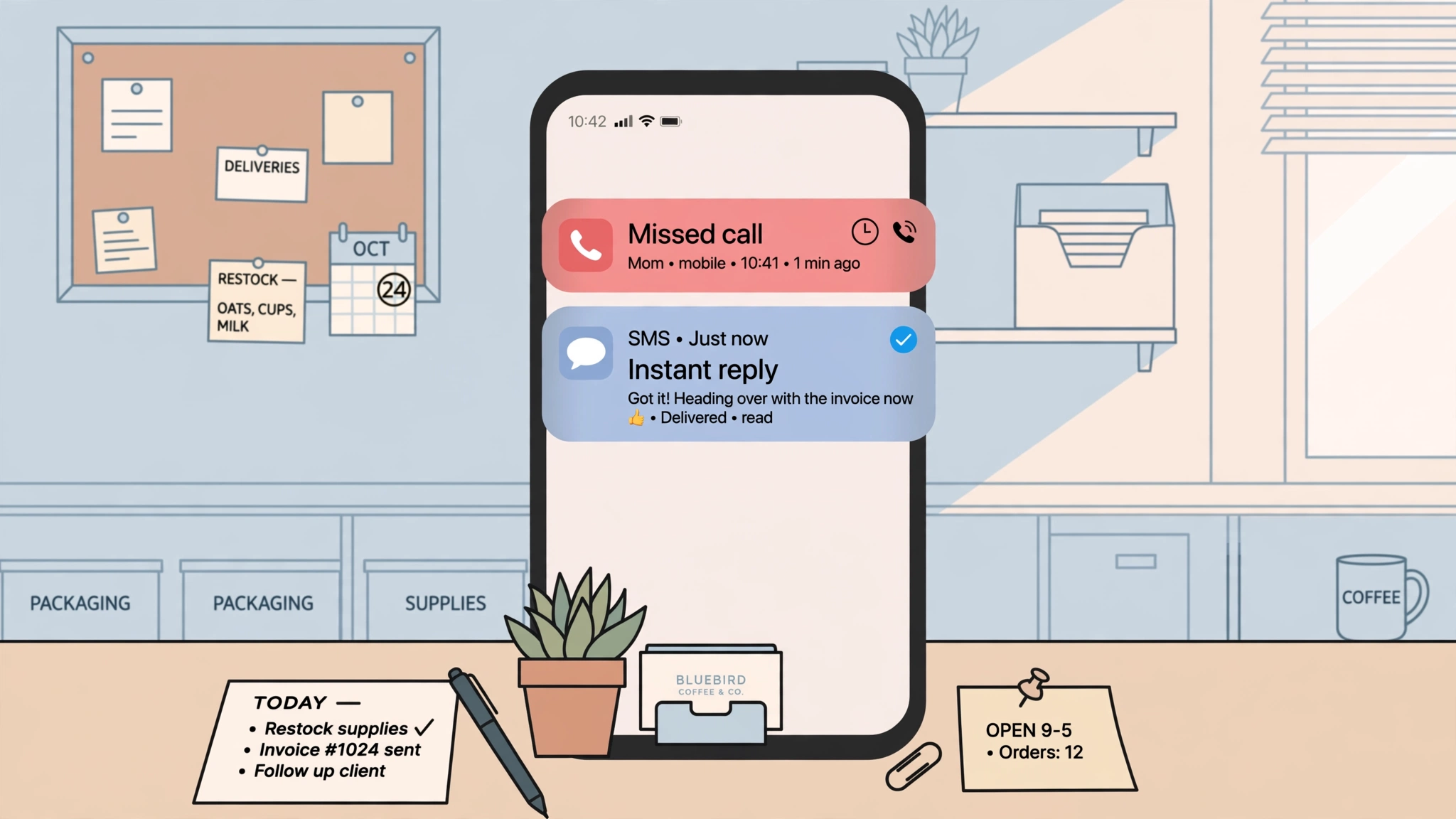

“Missed Call Text Back: The Complete Guide for Small Businesses”
Missed Call Text Back: The Complete Guide for Small Businesses
Every missed call is a lead that went looking for your competitor. A missed call text back service fixes that with one simple move: the moment a call goes unanswered, the caller automatically receives an SMS from the same number they dialed. The message says something like, "Sorry we missed you! How can we help?" — and suddenly a dead end becomes a conversation.
Here is the whole flow in ten seconds: customer calls → no answer → an automatic text goes out from your business number within seconds → the customer replies → the reply lands in your shared inbox → your team (or an automation) picks up the conversation. That is it. No app to download, no software for the customer to learn, no waiting on hold. Most callers would rather text than leave a voicemail, so you meet them where they already are.
This guide explains exactly how missed call text back works, what separates a good setup from a bad one, what the auto-text should actually say, how to design the follow-up sequence that happens after the text, the compliance basics you need to get right, and when you should graduate from text-back to a full AI voice agent.
Why Missed Calls Cost More Than You Think
Think about the last time you called a business and got no answer. What did you do? You did not sit around hoping they would call back. You went straight back to Google and called the next name on the list.
Your customers do the same thing. That narrow window between "the call goes to voicemail" and "the caller finds someone else" is where service businesses lose money every single day — after hours, during busy jobs, on weekends, at lunch. It is not a rare event; for any business where the phone is the front door (plumbing, HVAC, dental clinics, salons, law firms, contractors), unanswered calls are a daily occurrence.
Voicemail does not solve this. Very few people leave voicemails anymore, and even fewer get listened to promptly. A text back solves it because texting is instant, familiar, and asynchronous — the customer can reply while walking into another store or sitting in traffic. The business reaches out in seconds instead of hours, and the caller stays in your funnel instead of becoming someone else's customer.
How Missed Call Text Back Works (Step by Step)
What the caller experiences
The call goes unanswered. The caller dials your business number. Nobody picks up — maybe it is after hours, maybe the whole team is on a job.
A text arrives within seconds. Almost immediately, an SMS pops up on the caller's phone. It comes from the same number they just dialed, so it feels personal, not like a blast message from a shortcode.
The message is short and human. Something like: "Hi! This is BrightSmile Dental — sorry we missed your call. How can we help you today?"
The caller texts back. Instead of calling the next business, they type a reply: "Hi, I need an appointment tomorrow."
The conversation continues. Their reply lands in your team's shared inbox. Someone (or an automation) answers, books the appointment, answers the question, or sends a booking link.
What the business experiences
On the business side, the mechanics are straightforward:
Call monitoring. Your phone system (or a connected platform) detects that an incoming call rang through with no answer — after a set number of rings, after hours, or during a busy signal.
Trigger. The system fires the automation the moment the call ends, usually within seconds.
Automatic SMS. A pre-written template is sent from your business number to the caller's mobile number.
Conversation threading. Any reply arrives in a shared inbox — web dashboard, mobile app, or inside your CRM. Your team can continue the chat manually, or automation rules can handle common paths (send the booking link, ask qualifying questions).
Logging. The whole thread — missed call, text sent, replies — is logged against the contact, so nothing falls through the cracks and you can see how many leads the system rescued.
Setup is usually one of two routes: a plug-in inside a marketing automation platform (GoHighLevel is the most common) or conditional call forwarding rules on a VoIP system. Either way, the key detail is that the text comes from your existing business number — callers never see a strange new number, which is a large part of why response rates stay high.
What Makes a Good Setup vs. a Bad One
A bad text-back setup is worse than none at all, because it burns a first impression. Here is the difference:
A good setup:
Sends fast. The text goes out within seconds, while the caller still has your business fresh in mind.
Uses your real number. The SMS comes from the number the caller dialed. Same number = instant trust.
Sounds like a human. "Sorry we missed you — how can we help?" beats "THIS IS AN AUTOMATED MESSAGE. WE HAVE RECEIVED YOUR CALL."
Has after-hours rules. Different message at 10 PM than at 10 AM. Nobody should get a text that implies the office is open when it is not.
Suppresses duplicates. If someone calls three times in two minutes, they get one text, not three.
Gates compliance properly. There is a consent mechanism and a clear opt-out (more on this below).
Routes replies somewhere real. The text invites a reply, so someone — human or automation — must actually read and respond to replies quickly.
A bad setup:
Texts go out minutes late, when the caller has already booked with someone else.
The message reads like a robot wrote it — all caps, jargon, no warmth.
Same message at midnight as at noon, promising help nobody is there to give.
Every call triggers a text, including repeat callers within the same conversation.
Replies vanish into an inbox nobody checks. The caller texts back and hears nothing — now they are angrier than if you had never texted at all.
The honest truth: the technology is simple. What separates good from bad is the workflow design — timing, copy, routing, and follow-up. That is where most businesses should spend their effort.
Message Templates That Actually Work
Good auto-text copy follows a formula: identify yourself + acknowledge the miss + give a clear next step. Keep it under two sentences. Here are templates for three common business types — adapt the tone and the next step to yours.
Template 1: Home services (plumber, HVAC, electrician, contractor)
Hi, this is [Business Name] — sorry we missed your call! What's going on, and what's the best address for service?
Why it works: it asks for the two things the dispatcher needs anyway (the problem and the address), so the conversation starts with qualification instead of small talk.
Template 2: Dental or medical clinic
Hi, this is [Clinic Name] — sorry we missed you! Are you looking to book an appointment, or is this urgent?
Why it works: the split question routes the caller instantly. Appointments can go to a booking link; "urgent" replies get escalated to a human right away.
Template 3: Salon or spa
Hi, this is [Salon Name]! Sorry we missed your call — what service were you looking to book? We'll get you scheduled.
Why it works: warm tone fits the brand, and it moves straight to booking instead of asking vague questions.
A few copy rules that apply to every template: never start with "THIS IS AN AUTOMATED MESSAGE" (it kills the human feel); always use the business name in the first few words; keep it to one text, not a wall of messages; and make the ask easy to answer in one sentence.
The Follow-Up Sequence: What Happens After the Text
The text-back is only the opening. What happens after determines whether the rescued lead becomes revenue. A proper missed call recovery workflow looks like this:
Minute 0 — the auto-text. The immediate SMS described above.
Reply handling. When the caller responds, the conversation should continue quickly. If a human is available, they take it. If not, a simple automation asks one or two qualifying questions and offers the next step (booking link, quote request, callback time).
No reply after ~30 minutes — the nudge. If the caller went quiet, one gentle follow-up text: "Just checking — did you still need help with [service]? Happy to get you booked." Not pushy, just a reminder.
Day 2 — one last touch. If there is still no response, a final text: "Hi, it's [Name] from [Business] — we saw you called earlier. Still need a hand? Just reply YES and we'll take care of it." Then stop. Three total messages max is a good ceiling.
CRM logging. Every step is logged against the contact record, tagged as a recovered lead, so you can measure how many calls turned into conversations and how many conversations turned into jobs.
The sequence should stop the moment the person books, replies "not interested," or opts out. Chasing a dead thread annoys people and invites spam complaints. Good automation knows when to quit.
Compliance Basics (Not Legal Advice)
Automated texting is regulated, and getting this wrong is expensive — so treat compliance as part of the design, not an afterthought. This is general guidance, not legal advice; check the rules for your country and industry (in the US, that means the TCPA and carrier rules; the UK and EU have their own equivalents).
The core principles:
Consent first. A missed call from someone who has never done business with you is not consent to market to them forever. The safest design: the first text is a one-to-one reply to their call, with a clear opt-out in the signature ("Reply STOP to opt out"). Marketing sequences beyond the service conversation need documented opt-in.
A consent gate for proactive flows. Some setups use a "press 1" gate or an explicit checkbox on a website form before adding someone to follow-up sequences. Documented opt-in protects you if a complaint ever comes up.
Always offer opt-out. Every automated text should make it easy to stop receiving messages. Honor STOP requests immediately — automated suppression should be built into the workflow, not handled manually.
Mind message frequency. The follow-up sequence above stays within reason: an initial reply text plus two nudges over two days. Daily blasts to people who merely called once are how businesses earn spam reports.
Identify the business. Include your business name so the recipient knows exactly who is texting them.
The honest agency take: if a vendor tells you compliance "isn't a big deal" or skips the opt-out entirely, that is a red flag about everything else they do. Build the consent path into the workflow from day one.
When Text-Back Is Not Enough: Escalate to a Full AI Voice Agent
Missed call text back is a safety net, not a receptionist. It rescues the lead, but it does not run the conversation. There comes a point where the smarter move is a full AI voice agent — one that actually answers the call, talks to the caller, and books the appointment itself.
Consider upgrading when:
You miss calls during business hours, not just after hours. If the team is simply too busy to pick up, a text asking "how can we help?" still requires a human to close the loop. An AI voice agent closes the loop itself.
Callers need answers, not just a text thread. Price questions, availability checks, service explanations — an AI voice agent handles these live on the call.
You want the appointment booked on the call. Text-back starts a conversation; an AI agent can qualify the caller, check the calendar, and book the appointment without any human involved.
Call volume keeps growing. A text-back workflow scales, but each conversation still costs human attention eventually. AI voice agents handle unlimited simultaneous calls.
The two are not competitors — a good setup often uses both. The AI voice agent answers when it can; when a call still slips through, the missed call text back catches it. Learn more about how AI voice agents work in our guide to AI voice agents for business, and see how they compare to hiring a human in our AI receptionist vs human receptionist breakdown.
How to Get It Set Up
You have two honest options, and the right one depends on your budget, call volume, and how custom the workflow needs to be.
Option 1: Platform plug-in. If you already use (or are willing to adopt) a marketing automation platform like GoHighLevel, missed call text back is a built-in workflow: connect your number, pick the trigger, write the template, set the follow-up sequence. This is the fastest, cheapest route — and for many small businesses, it is genuinely all they need. The trade-off is that you are working inside someone else's template structure, and the copy, timing, and routing are only as good as the person configuring them.
Option 2: Custom-built setup. An agency builds the workflow around your phone system, your CRM, and your exact business rules — custom after-hours logic, CRM-synced conversation history, multi-location routing, compliance-first consent gates. This costs more, but you get a system designed around how your business actually runs instead of a generic template. If you want the text-back paired with a full AI voice agent that answers calls too, this is the route.
Whichever path you take, insist on the same checklist: text from your real number, sends in seconds, after-hours rules, duplicate suppression, real inbox for replies, and compliance built in from day one. If you would rather have it built properly than configured generically, get a free consultation — we design missed call text back and AI voice agent setups around each business instead of forcing everyone into the same template.
Frequently Asked Questions
What is a missed call text back service?
A missed call text back service automatically sends an SMS to anyone whose call goes unanswered. The text goes out within seconds from the same business number the caller dialed, inviting them to reply by text instead of calling a competitor. Replies land in a shared inbox where your team or an automation continues the conversation.
How does missed call text back work technically?
Your phone system or a connected platform detects an unanswered call, triggers an automation, and sends a pre-written SMS from your business number to the caller's mobile. It is usually set up through a marketing automation platform like GoHighLevel or through conditional call forwarding rules on a VoIP system. No app or action is needed from the caller.
Does the text come from my business number?
In a proper setup, yes — the SMS comes from the same number the caller dialed. That is one of the main reasons it works: the caller recognizes the number and the message feels personal rather than like a mass broadcast.
Is missed call text back legal? Do I need consent?
Automated texting is regulated (in the US by the TCPA, with equivalents in the UK and EU). The common safe design is a one-to-one reply to the caller's own call with a clear opt-out option, plus documented opt-in before any ongoing marketing messages. Always include your business name and honor STOP requests immediately. This is general guidance, not legal advice — check the rules in your market.
What happens if the caller doesn't reply to the text?
A good workflow includes a gentle nudge after about 30 minutes and one final check-in the next day, then stops. All of this should be logged in your CRM so you can see how many missed calls turned into conversations. Chasing beyond that tends to annoy people, so three total messages is a sensible ceiling.
Should I get missed call text back or a full AI voice agent?
Missed call text back rescues leads when calls slip through. A full AI voice agent answers the call itself, talks to the caller, and can book appointments on the spot. If you miss calls mainly after hours, text-back may be enough. If you miss calls during business hours or callers need live answers, an AI voice agent is the stronger investment — and the two work well together.
Santol Edge Team
AuthorWrites extensively about generative AI, autonomous agent design, enterprise automation architectures, and customer experience engineering at Santol Edge.
Read Next

How AI Automation Helps Modern Businesses Scale 10x Faster
Discover how forward-thinking companies are deploying intelligent agents and automated pipelines to reduce overhead and boost revenue.

How AI Chatbots Transform Customer Support and Business Growth
Learn how AI chatbots improve customer response times, qualify leads, support teams, and create more consistent customer experiences.

AI Voice Agents: What They Are and How They Work
Understand where voice agents add value, how they connect with business systems, and what to consider before launching one.
Community Comments (0)
Sep 26, 2026Elisa Gabriella
VP of Operations · BrightSync
“A genuinely useful piece — the point about consolidating thin pages matches what we saw on our own platform last year. Deploying automated workflows cut roughly half our manual ticket volume and resolution speed went up significantly.”
Leave a Reply
Your email address will not be published. Required fields are marked *