
Santol Edge Team
AI Research & Engineering at Santol Edge
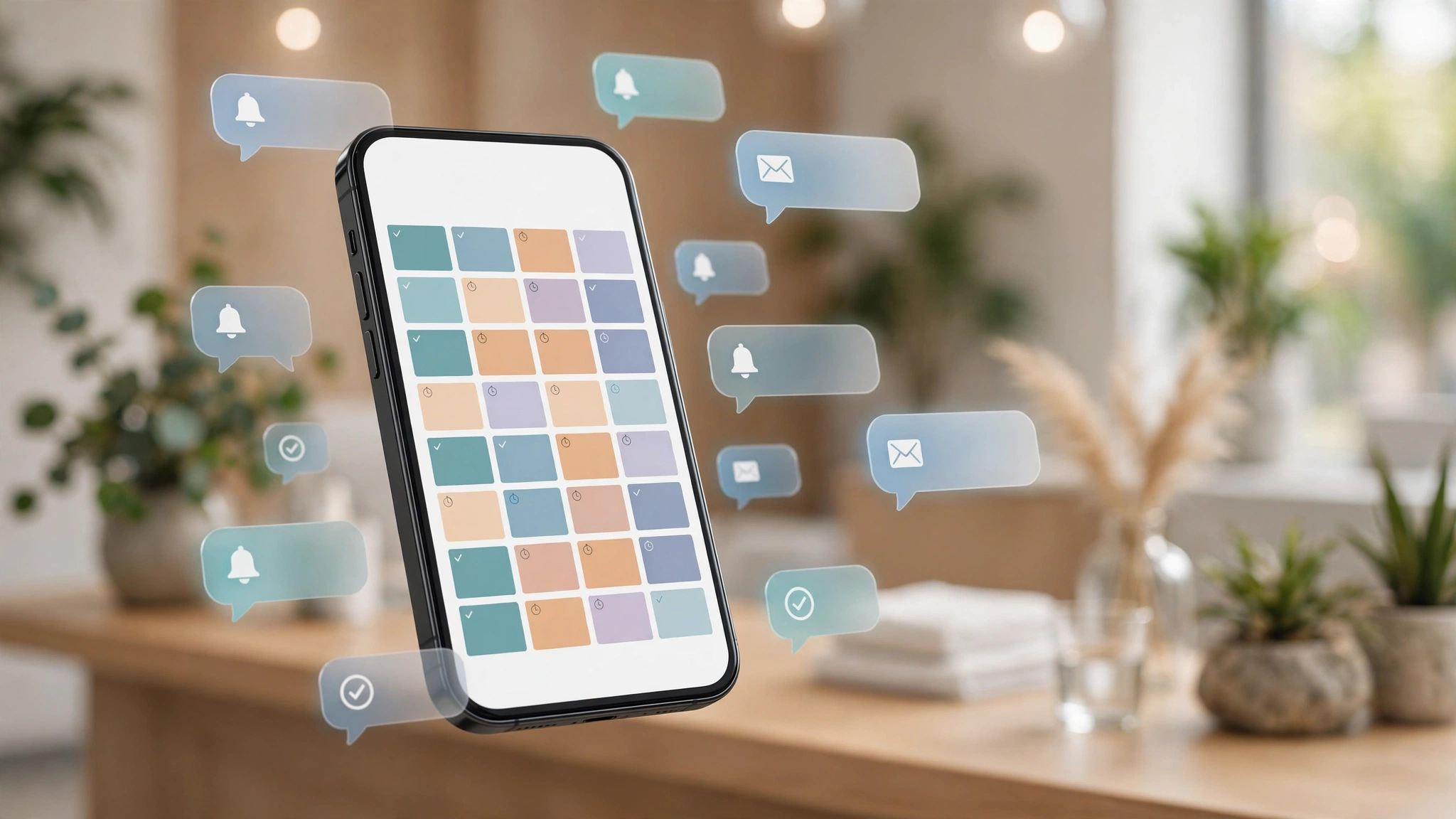

“Cut no-shows with a full-lifecycle automation playbook: smart reminders, two-way rescheduling, missed-call text-back, AI rebooking and waitlist backfill.”
How to Reduce Appointment No-Shows with Automation: The Full-Lifecycle Playbook (2026)
Every empty appointment slot is revenue you already earned and then lost. The customer booked in good faith — and then life happened: they forgot, something came up, they meant to reschedule but your office was closed. The business discovers the gap at the start of the appointment hour, when it's too late to fill.
The fix isn't scolding customers or overbooking. It's automation that handles the entire appointment lifecycle — reminders, confirmations, rescheduling, and backfill — so the slot either gets used or gets freed in time to rebook. This playbook lays out the full system, layer by layer, with the costs and the honest caveats.
Why Reminders Work (and What the Research Says)
The no-show is rarely a character flaw. Without a prompt between booking and appointment, the booking fades: something else comes up, the customer forgets to reschedule, and silence becomes an empty chair. A reminder 24 hours out prompts the customer to plan around the appointment; a reminder closer to the time turns a would-be no-show into an active choice — attend, or cancel with enough notice to rebook.
Published research consistently supports this. Multiple independent studies have found that SMS reminders reduce no-show rates by roughly 38% compared to no reminder, and systematic reviews across reminder channels report average reductions around 41% (reported via WriteUpp's 2026 summary of the literature and a widely-shared 2026 analysis). A 2026 guide on appointment scheduling similarly puts the figure at roughly 40% for well-run reminder systems.
But here's the gap most coverage misses: the reminder is only one layer. The real win is what happens when the customer tries to reply, cancel, or move the slot — and the system handles that too, instead of leaving an empty chair. That's the full-lifecycle approach below.
Layer 1: Smart Reminders (the Foundation)
Not all reminders are equal. The sequence that performs best in practice:
At booking: immediate confirmation with the date, time, address/directions, what to bring, and cancellation policy. Sets expectations while intent is hot.
24–48 hours before: the planning reminder. "You're booked Thursday at 2pm — reply C to confirm, R to reschedule." This is the one that catches the "something came up" crowd in time to act.
2–4 hours before: the short nudge. Day-of reminders convert forgetfulness into attendance — the customer is already in "today" mode.
Channel matters: SMS gets the highest open rates for time-sensitive messages; email works for confirmations with detail (directions, prep instructions); voice calls suit high-value appointments and older demographics. Multi-channel sequences outperform single-channel ones because customers respond differently depending on the message.
Two rules: personalize (name, service, practitioner — not "Dear customer"), and always include the action. A reminder without a confirm/reschedule path is just a notification; a reminder with one is a system.
Layer 2: Two-Way Confirmation and Rescheduling
This is where most reminder setups stop — and where the money is actually recovered. The best systems don't just remind; they let the customer confirm, reschedule, or cancel in the same message thread, and update the calendar automatically.
The mechanics: when a customer replies "need to move it," the system offers open slots (pulled live from the calendar), books the new time, confirms it, and frees the old one — no staff involved. When a customer doesn't confirm by a cutoff (say, 4 hours before), the system flags the slot as at-risk so your team can decide: call, overbook slightly, or release it.
The design principle: every outbound message should have a reply path. "Reply YES to confirm, NO to reschedule" beats a beautiful HTML email with a "manage booking" link nobody clicks.
Layer 3: Missed-Call Text-Back
A surprising number of no-shows start as phone calls: the customer tries to reschedule, nobody picks up, they don't leave a voicemail, and the slot goes empty. Missed-call text-back closes this hole — when a call goes unanswered, the system instantly texts the caller ("Sorry we missed you — reply here to reschedule") and starts a conversation.
For appointment businesses, this single workflow often pays for the whole automation setup: it catches the reschedule-attempts that would otherwise become silent no-shows.
Layer 4: AI Voice Reminders and Rebooking
For high-value appointments — consultations, procedures, large jobs — an AI voice agent can make the reminder call: confirm attendance, handle rescheduling by voice, and log the outcome to the CRM with a transcript. This is the premium layer: it reaches customers who ignore texts, handles the conversation naturally ("Thursday doesn't work anymore — what about Friday?"), and never forgets to make the call.
It's also the layer to deploy selectively. Voice costs per-minute on the telephony side and should be reserved for appointments where the slot value justifies it. Start with SMS/email for everything; add voice for the top tier.
Layer 5: Waitlist Backfill (Turning Cancellations into Revenue)
Cancellations will still happen — the goal is to make them productive. A waitlist workflow watches for freed slots and instantly offers them to waitlisted customers by SMS: "A Thursday 2pm just opened — reply YES to take it." First to reply gets the slot; the calendar updates automatically.
Without this layer, a 10am cancellation is a lost morning. With it, it's a text message and a filled chair. For businesses with real demand, backfill is often the highest-ROI layer in the whole playbook.
Layer 6: The Policy Layer (Deposits, Confirmations, and Honest Boundaries)
Automation handles the mechanics; policy handles the incentives. The measures that actually move no-show rates, in order of strength:
Confirmation-required bookings — unconfirmed slots get released, not held hopefully.
Card-on-file or deposits for high-value appointments — the single strongest deterrent, but also the most friction at booking. Use selectively.
Clear cancellation windows stated at booking and in every reminder ("free cancellation up to 24h before").
No-show follow-up — a polite automated message after a missed appointment ("Sorry we missed you — want to rebook?") recovers a meaningful share of no-shows into future bookings instead of lost customers.
Be honest with yourself about which of these fit your customer relationships. A salon can require deposits; a free consultation probably can't. The automation should enforce whatever policy you choose — consistently, without your team having to be the bad guy.
What It Costs to Build
AI Automation Audit: $149 one-time — we map your booking flow and identify which layers pay off fastest for your business.
Appointment Booking Automation: $799 one-time — online scheduling, confirmations, reminders, rescheduling, and no-show follow-up, integrated with your calendar and CRM.
Ongoing support: $299–$999/month depending on layers and volume (AI voice reminders sit at the higher end due to per-minute telephony costs, which we estimate during scoping).
Larger multi-workflow builds (waitlist backfill, missed-call text-back across lines, CRM integration): fixed quote after a free consultation.
Against that: the recovered revenue is money you already earned when the booking was made. The reminder system is the mechanism that collects it.
4 Mistakes That Undermine No-Show Systems
Reminders without reply paths. A notification the customer can't act on is just noise. Every message needs confirm/reschedule built in.
One channel for everyone. SMS-only misses the email people; email-only misses the urgent. Match channel to message urgency and customer preference.
No cutoff for unconfirmed slots. Holding unconfirmed appointments "just in case" is how you get empty chairs. Define the cutoff and enforce it automatically.
Treating all no-shows the same. A first-time no-show gets a warm rebook message; a serial no-show gets deposits or restricted booking. The system should know the difference.
Frequently Asked Questions
How much can automation really reduce no-shows?
Published studies report SMS reminders alone cut no-show rates by roughly 38–41% versus no reminder. A full-lifecycle system (reminders + two-way rescheduling + backfill) recovers more, because it also converts would-be no-shows into reschedules and fills the cancellations that remain. Your mileage depends on your starting rate and industry.
Which reminder timing works best?
The best-performing pattern in practice: confirmation at booking, a planning reminder 24–48 hours before, and a short nudge 2–4 hours before. Test against your own data — the right windows vary by business.
Will customers find automated reminders annoying?
When they're personalized, relevant, and actionable, no — customers generally prefer a business that keeps them informed. What annoys people is generic spam with no reply path. Keep every message useful and every sequence easy to opt out of.
Can the system handle rescheduling automatically?
Yes — that's Layer 2. The customer replies or taps, sees live availability, picks a new slot, and the calendar updates with confirmations to both sides. No staff involvement needed for routine moves.
What about customers who don't use smartphones?
Voice-call reminders (Layer 4) cover this group — an AI voice agent can confirm or reschedule by phone. Design the system around your actual customer base, not an assumed one.
How long does implementation take?
A single workflow (reminders + two-way rescheduling) typically goes live in 2–4 weeks. Full-lifecycle builds with voice and waitlist backfill take 1–3 months.
Stop Donating Slots to Silence
Every empty appointment was revenue you already earned. A full-lifecycle reminder system collects it — automatically, politely, and around the clock. Contact us for a free consultation and a fixed quote on your no-show reduction system.
Related Services
AI Automation Services — booking, reminders, and follow-up workflows.
AI Voice Agent Development Services — AI voice reminders and rebooking calls.
AI Chatbot Development Services — conversational booking on your website and WhatsApp.
Related Blog Posts
Santol Edge Team
AuthorWrites extensively about generative AI, autonomous agent design, enterprise automation architectures, and customer experience engineering at Santol Edge.
Read Next

How AI Automation Helps Modern Businesses Scale 10x Faster
Discover how forward-thinking companies are deploying intelligent agents and automated pipelines to reduce overhead and boost revenue.

How AI Chatbots Transform Customer Support and Business Growth
Learn how AI chatbots improve customer response times, qualify leads, support teams, and create more consistent customer experiences.

AI Voice Agents: What They Are and How They Work
Understand where voice agents add value, how they connect with business systems, and what to consider before launching one.
Community Comments (0)
Sep 25, 2026Elisa Gabriella
VP of Operations · BrightSync
“A genuinely useful piece — the point about consolidating thin pages matches what we saw on our own platform last year. Deploying automated workflows cut roughly half our manual ticket volume and resolution speed went up significantly.”
Leave a Reply
Your email address will not be published. Required fields are marked *