
Santol Edge Team
AI Research & Engineering at Santol Edge
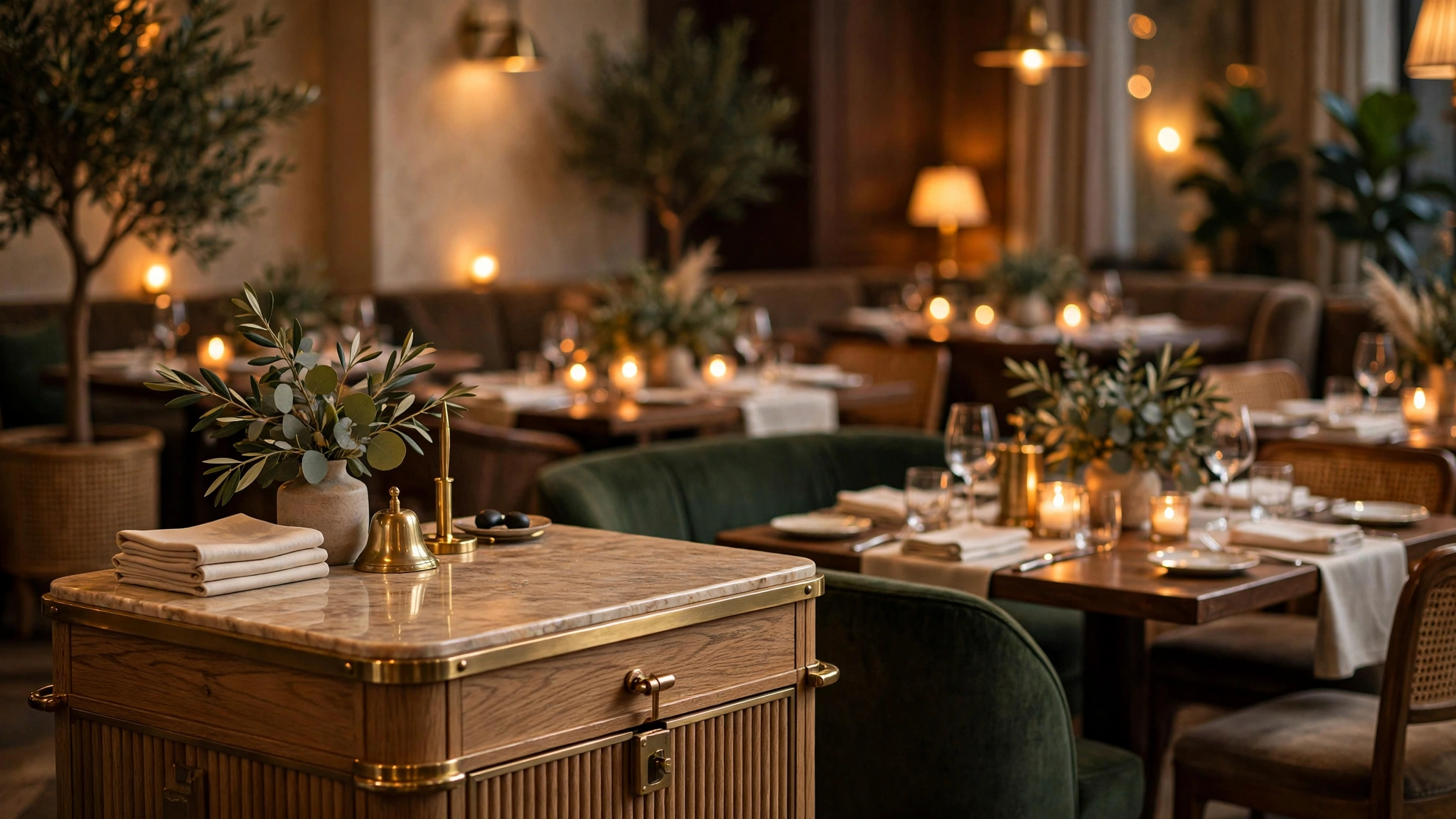

“If you want a chatbot built that way for your restaurant — trained on your menu, connected to your booking flow, with honest escalation paths — Contact us for a free consultation and a fixed quote.”
AI Chatbots for Restaurants: Reservations, Takeout Orders & Menu FAQs in 2026
It is 7:40 on a Friday night. Your host is seating a party of six, the phone is ringing with a table-for-four asking about eight o'clock, and another caller wants to know about nut allergies. None of these calls turns into revenue while your team is underwater — but every unanswered one costs you.
That is the real job of an AI chatbot for restaurants: a working assistant that takes reservations, handles takeout orders, and answers the menu and policy questions your staff repeat a hundred times a week. Done right, it relieves your team at the exact moments they are too busy to pick up the phone. This guide is the honest version — what it should do in 2026, where the limits are, what it costs, and the checklist to use before you pay anyone.
The Friday-Night Problem Chatbots Are Actually For
Restaurant phone traffic is brutally concentrated. The calls that matter most — reservations for tonight, takeout orders for the dinner rush — arrive exactly when your front-of-house team is busiest. A host who is greeting walk-ins, managing the waitlist, and seating tables cannot also hold a two-minute call about parking and gluten-free options. So calls go unanswered, callers hang up, and the table that would have been filled stays empty.
Meanwhile, the questions are almost comically repetitive — hours, parking, patio, allergens, the prix fixe menu — and answering them is a poor use of skilled people during service.
An AI chatbot for restaurants earns its keep by absorbing exactly this load: the high-volume, low-complexity interactions that arrive at the worst possible time. It does not replace your host. It protects your host's attention for the work that actually needs a human — greeting guests, reading the room, handling the unhappy table.
It also covers after-hours demand: reservation and takeout intent that arrives when you are closed gets answered and converted while your team sleeps.
What a Restaurant Chatbot Should Actually Do: The Four Jobs
Judge every restaurant chatbot against these four jobs. If it cannot do all four, it is a FAQ widget, not a revenue tool.
Take reservations and manage the waitlist
This is the core job. The chatbot should ask for party size, date, and time, check real availability against your reservation system, and confirm the booking — including special requests like high chairs, wheelchair access, or anniversary notes. When you are fully booked, it should offer the waitlist, take a phone number, and confirm that the guest will be notified.
Critical detail: the bot must check real availability against your reservation platform, POS, or a live calendar your team maintains. A bot that logs "reservations" into a spreadsheet nobody checks is worse than no bot — it creates confirmed guests you do not know about.
Handle takeout and delivery orders on your own channel
Takeout is the second revenue job, and it is where most restaurant owners leave money on the table. The chatbot should walk a guest through your menu, handle modifications ("no onions, extra sauce"), confirm pickup times, and take payment or confirm pay-at-pickup — all inside your website, without sending the guest to a third-party app.
There is a strategic reason beyond convenience: every order through a third-party platform teaches that platform about your customers, and commissions eat your margins. Direct chatbot ordering keeps the relationship — and the data — in your hands.
Answer menu, allergen, and policy questions accurately
Guests ask the same questions daily: patio, vegan options, nut allergies, corkage, parking, dogs on the terrace. A good chatbot answers instantly, grounded in your actual menu and policies. Allergen questions deserve special care: the bot answers from your documented allergen information, states clearly when uncertain, and routes anything ambiguous to a human. Ask any vendor to demonstrate this before you agree to anything.
Qualify catering, private events, and large parties
These are your highest-value inquiries and the easiest to fumble. A chatbot should capture date, guest count, budget range, and event type — then book a call with your events person or hand over a structured brief. Same-night structured follow-up is often the difference between winning and losing the booking.
The Honest Limits: What a Chatbot Should Not Do
A chatbot cannot do hospitality. It cannot read that a guest is celebrating something, notice a wobbling table, or turn a bad first impression into a great evening.
It should not handle genuinely upset guests beyond the first step. The bot's job is to acknowledge, apologize sincerely, and get a manager involved fast — not to "resolve" the complaint with a coupon. Escalation paths are a feature, not a failure.
It should not invent answers. If your menu changes and nobody updates the bot, it will confidently describe dishes you no longer serve. Whoever builds your chatbot must show you the update process: how menu changes, seasonal specials, and holiday hours get into the bot, and how fast. A chatbot with stale information is a liability.
And it should not pretend to be human. Guests are fine talking to a bot; they are not fine being tricked into thinking they are talking to your host. A brief, honest disclosure ("I'm the restaurant's automated assistant") builds more trust than a fake name and a stock photo.
Own Your Ordering Channel: The 2026 Platform Shift
Here is the context your vendor may not mention: in 2026, the big discovery platforms moved aggressively into conversational ordering — finding the restaurant, checking availability, and placing the order without the diner ever leaving the platform. Convenient for guests, but it concentrates the customer relationship — order history, preferences, repeat behavior — inside someone else's system, minus their commission.
The counter-move is not to fight the platforms. It is to make your own channel the best place to order: a chatbot on your website that takes reservations and takeout directly and keeps every data point in your system. You do not need to out-tech a platform; your direct channel just needs to be as easy as theirs.
What It Should Cost: Build vs Buy
Pricing for restaurant chatbots falls into two buckets. Off-the-shelf widgets charge monthly subscriptions and give you a generic bot you configure yourself. Custom builds cost more upfront and give you a bot trained on your menu, connected to your reservation and ordering systems, and matched to your brand's tone.
For a single-location restaurant, a well-built AI website chatbot is a $499 one-time package — covering the chatbot itself, trained on your menu and policies, with reservation and FAQ handling. Anything beyond the standard scope — deep POS integration, multilingual support, multi-location rollouts — is a fixed quote after a free consultation, agreed before work starts. For a detailed breakdown of what goes into chatbot pricing, see our guide on AI chatbot development cost.
Two pricing traps to avoid: the "free" chatbot bundled with a platform that monetizes your order flow (the cost hides in commissions and lost customer data), and the open-ended monthly retainer for a bot that never changes.
Implementation Checklist: From Menu to Live in Five Steps
Use this as your project plan, whether you build with us or with anyone else.
Document the knowledge base. Export your menu with prices, allergen information, hours, reservation policies, parking, and your events process. If it is not written down, the bot cannot know it.
Define the four jobs precisely. Decide what the bot handles end-to-end and exactly where it escalates to a human. Write the escalation rules before launch, not after the first angry guest.
Connect the systems. Reservation platform, POS or ordering system, and a notification path to your team. The bot is only as useful as its integrations.
Train on real conversations. Feed the builder your actual phone scripts — the questions your hosts answer daily. A bot trained on your real FAQs beats a generic template immediately.
Launch quietly, then measure. Go live without fanfare for two weeks. Track conversations, bookings, escalations, and unanswered questions. Fix the gaps, then promote the bot.
For the classic mistakes that sink chatbot projects in any industry, our list of common chatbot mistakes that kill conversions is worth a read before you sign anything.
Five Mistakes That Make Restaurant Chatbots Annoying
Blocking the menu. If the chatbot pop-up covers your menu on mobile, guests will hate it before it says a word. Be available, not aggressive.
No real availability. A bot that "takes reservations" without checking your actual book creates double-bookings and angry guests. Integration is non-negotiable.
Stale menus. If the update process is "email the vendor and wait," your bot will be wrong within a month of any menu change.
Dead-end conversations. Every path should end somewhere useful: a booking, an order, an answer, or a human.
Hiding the human option. Some guests will always prefer a person. A visible "call us" or "talk to our team" path keeps those guests instead of losing them.
Frequently Asked Questions
Will a chatbot replace my host or front-of-house staff?
No — and it should not be sold as doing so. A chatbot handles the repetitive digital interactions so your team can focus on guests in the room. It protects your staff's attention during rush hours; it does not replace anyone.
Can a chatbot handle food allergy questions safely?
It can, but only with strict rules: answer from your documented allergen information, state clearly when uncertain, and route ambiguous cases to a human immediately. Ask any vendor to demonstrate this before you agree to anything.
Does the chatbot work for takeout orders, or just reservations?
A properly built restaurant chatbot handles both: menu walkthrough, modifications, pickup times, and payment or pay-at-pickup — on your website, keeping the order and customer data in your hands.
How do menu changes get updated in the chatbot?
There should be a defined update process: you send the new menu or seasonal changes, and they go live in the bot within an agreed timeframe. Ask for this in writing before you pay.
What happens when the chatbot cannot answer something?
It should escalate cleanly: acknowledge the limit, offer the most useful alternative (call the restaurant, leave a message, check back during hours), and notify your team. A good bot says "let me get a human for you" quickly instead of guessing.
How much does a restaurant chatbot cost?
A well-built AI website chatbot for a single-location restaurant is a $499 one-time package — bot trained on your menu and policies, with reservation and FAQ handling. Deeper integrations are a fixed quote after a free consultation.
The Bottom Line
The restaurants winning with chatbots in 2026 are not the ones with the flashiest AI. They are the ones that gave the bot four clear jobs — reservations, takeout, FAQs, and event qualification — connected it to their real systems, kept the knowledge base fresh, and let humans handle everything the bot should not touch. That is the whole playbook.
If you want a chatbot built that way for your restaurant — trained on your menu, connected to your booking flow, with honest escalation paths — Contact us for a free consultation and a fixed quote.
Santol Edge Team
AuthorWrites extensively about generative AI, autonomous agent design, enterprise automation architectures, and customer experience engineering at Santol Edge.
Read Next

How AI Automation Helps Modern Businesses Scale 10x Faster
Discover how forward-thinking companies are deploying intelligent agents and automated pipelines to reduce overhead and boost revenue.

How AI Chatbots Transform Customer Support and Business Growth
Learn how AI chatbots improve customer response times, qualify leads, support teams, and create more consistent customer experiences.

AI Voice Agents: What They Are and How They Work
Understand where voice agents add value, how they connect with business systems, and what to consider before launching one.
Community Comments (0)
Sep 28, 2026Elisa Gabriella
VP of Operations · BrightSync
“A genuinely useful piece — the point about consolidating thin pages matches what we saw on our own platform last year. Deploying automated workflows cut roughly half our manual ticket volume and resolution speed went up significantly.”
Leave a Reply
Your email address will not be published. Required fields are marked *