
Santol Edge Team
AI Research & Engineering at Santol Edge
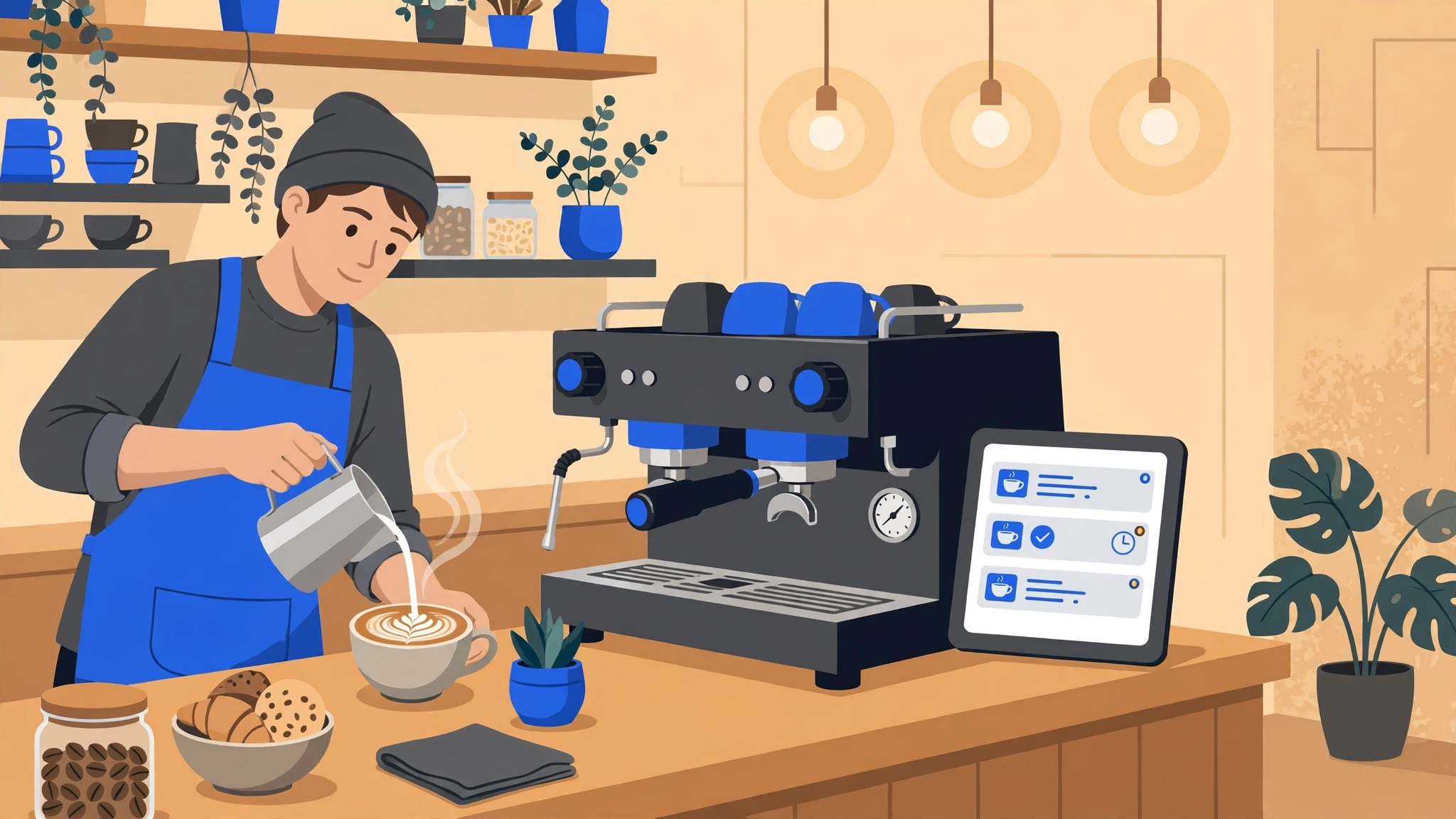

“AI Automation for Coffee Shops: 6 Workflows That Pay for Themselves”
AI Automation for Coffee Shops: 6 Workflows That Pay for Themselves
Running an independent cafe means juggling dozens of moving parts every single day—from pulling the morning espresso shots and managing milk deliveries to scheduling baristas and keeping regulars happy. If you are wondering which cafe tasks are worth automating first, the answer is simple: start with the repetitive, behind-the-scenes tasks that drain your staff's energy and steal your focus from the customer experience. Implementing AI automation for coffee shops is not about replacing the human heart of your cafe; it is about taking the manual weight off your shoulders so you can focus on great coffee and community.
Here are the six practical workflows that independent cafes can automate right now to save time, reduce waste, and build steady customer loyalty.
Automated Loyalty and Win-Back
Most independent coffee shops rely on punch cards or basic point systems, but these traditional methods often leave revenue sitting on the table. Customers lose paper cards, forget to open obscure apps, or simply drift away after a few weeks.
An automated loyalty and win-back system changes this by tracking visits seamlessly through phone numbers or credit card matching at checkout. When a regular customer hasn't visited in fourteen days, the system can automatically trigger a friendly text message offering a small perk—for example, half off their next pastry—to welcome them back. It also tracks birthdays and anniversaries automatically, sending a personalized voucher for a free birthday latte. This kind of thoughtful outreach feels personal to the customer while running entirely in the background without requiring your staff to track calendar dates.
Demand Forecasting and Inventory
Ordering too much milk and too many pastries leads to spoiled inventory and wasted cash. Ordering too little means angry customers and lost morning sales. Cafe inventory automation bridges this gap by connecting your point-of-sale data with smart predictive tools.
Instead of guessing how many croissants to order for a rainy Tuesday, an automated forecasting system looks at historical sales data, local weather forecasts, and upcoming neighborhood events. It predicts how many gallons of oat milk and how many breakfast sandwiches you will need. When stock drops below a safe threshold, the system sends a low-stock alert or even generates a draft purchase order for your suppliers, saving you from mid-shift panic and painful inventory discrepancies.
Staff Scheduling from Sales Data
Creating the weekly staff schedule is one of the most frustrating administrative chores for a cafe owner. Under-staffing hurts service speed and burns out your best baristas, while over-staffing eats away at your daily profit margins.
Coffee shop staff scheduling automation takes the guesswork out of the roster by matching historical foot-traffic data against your availability rules and labor laws. The software automatically builds a draft schedule that puts extra hands on deck during the 8:00 AM rush while keeping lean staffing during quiet mid-afternoon lulls. Furthermore, if a barista needs to swap a shift, the system handles the broadcast and approvals securely through a mobile app, eliminating endless group chat messages and manager headaches.
Online Ordering and Pickup-Time Communication
Mobile ordering is essential for modern cafes, but it can easily overwhelm a small bar if orders flood in faster than your espresso machine can pull them. Standard ordering apps often give generic, unrealistic pickup times that frustrate customers standing in line.
Smart automation helps manage order-ahead pacing by dynamically adjusting estimated pickup times based on your current queue length and order complexity. Once an order is placed, automated SMS updates notify the customer when their drink is being crafted and send a final text update when the drink is ready on the pickup bar. This keeps your lobby clear of congestion and ensures drinks are handed over at peak freshness.
Review Requests Timed to Happy Moments
Word-of-mouth is the lifeblood of an independent coffee shop, and today that word-of-mouth lives on Google Maps and Yelp. However, busy customers rarely leave reviews unprompted unless they had a remarkably good—or remarkably bad—experience.
An automated review request workflow sends a polite, perfectly timed text message to regular customers shortly after a visit, thanking them for stopping by and providing a direct link to leave a Google review. Crucially, these systems are timed to trigger after positive interactions—such as a loyalty milestone—while never incentivizing or gating reviews (which violates platform terms of service). A steady stream of authentic, positive reviews helps new remote workers and neighborhood visitors find your shop easily.
Catering and Private-Event Inquiry Handling
Hosting weekend private events or supplying weekly office coffee catering can be a major profit driver for a cafe. However, handling these inquiries manually often means missed opportunities because you were too busy steaming milk to reply to an email inquiry quickly.
Automation captures catering leads from your website contact form instantly. The system replies within seconds, thanking the client and asking key scoping questions—such as headcount, date, and dietary requirements—via a simple questionnaire. It then compiles the answers into a neat dashboard and notifies you immediately, allowing you to follow up with a professional quote before your competitors even open their inbox.
Platform Tools vs Custom Automation
When exploring cafe automation ideas, you will quickly realize you have two main paths: using built-in features from your existing point-of-sale system or building custom workflows using integration platforms. Here is how they compare.
Point-of-Sale Built-In Features
Major POS platforms like Square and Toast offer built-in loyalty programs, basic email marketing tools, and rudimentary inventory tracking.
Pros: They plug right into your existing register, require very little setup, and keep all your customer payment data in one familiar dashboard.
Cons: They tend to be rigid. You are locked into their specific templates, rules, and pricing tiers, and they rarely connect smoothly with external apps like your accounting software or specialized SMS platforms.
Custom Workflow Automations
Using workflow automation builders like n8n or Make allows you to connect different software tools together—linking your POS, your email provider, your SMS gateway, and your accounting spreadsheet into a single custom ecosystem.
Pros: Highly flexible. You can design workflows that match your exact cafe operations, scale across multiple locations, and only pay for the specific automations you actually need.
Cons: Requires initial setup expertise and occasional maintenance when third-party software updates their application programming interfaces. For more background on how modular setups help small operations, read our guide on AI automation cost vs. hiring.
What NOT to Automate
Technology is powerful, but a great coffee shop is built on human connection and craft. You should never try to automate the soul of your cafe.
The human touch at the counter: The warm greeting, the morning eye contact, and the barista remembering that a regular takes a touch of honey in their Americano cannot and should not be replaced by a screen or a chatbot.
Drink quality and espresso calibration: Taste tests, dial-in adjustments for changing bean humidity, and latte art require human craft and sensory judgment.
Handling serious complaints: If a customer has a genuine complaint about service or food safety, an automated text reply will only make them angrier. Always handle sensitive feedback face-to-face or with a personal phone call.
Cost Reality
Automation should always save you more money than it costs. To help you budget realistically, here is a transparent breakdown of what professional automation projects typically require:
AI Automation Audit: $149 one-time. A comprehensive review of your current cafe software stack to identify your highest-return automation opportunities.
Appointment Booking Automation: $799 one-time. Perfect for setting up automated private-event booking workflows.
CRM Automation Setup: $999 one-time. Complete configuration of your customer database, loyalty tagging, and automated text messaging sequences.
Support Plans: $299–$999/month. Ongoing maintenance, monitoring, and workflow adjustments as your cafe grows.
Custom Development: Free consultation and fixed quotes available for complex multi-location setups. If you are curious about conversational tools for customer service, you can also review standard AI chatbot development services benchmarks. To estimate payback before committing, our AI automation ROI guide walks through a simple framework for measuring returns on these projects.
A 30-Day Rollout Plan
Trying to automate everything at once will overwhelm your staff and disrupt your morning rush. Take a slow, steady approach instead.
Week 1 (Audit and Focus): Map out your current customer journey from the moment a customer walks in to the time they leave a review. Pick one workflow to start with—ideally automated review requests or basic loyalty win-back.
Week 2 (Build and Test): Set up the chosen workflow in a test environment. Send test text messages to yourself and your staff to ensure the wording feels natural and friendly.
Week 3 (Staff Briefing): Train your baristas on the new system. Explain why you are doing it—to save them time and bring regulars back more often—so they feel like partners in the upgrade.
Week 4 (Launch and Measure): Turn the workflow live. Monitor customer responses, check your review counts or repeat visit metrics, and plan your next small automation step.
Honest Limits
It is important to be realistic about what AI automation can and cannot do for a coffee shop. Automation cannot turn a bad cup of coffee into a bestseller, nor can it rescue a cafe with a poor location or failing financials on its own. Furthermore, technology can occasionally glitch, internet connections drop during morning storms, and older customers may prefer traditional paper punch cards over text-message perks. Use automation to support your staff and delight your regulars, but always keep your eyes open on the shop floor.
Frequently Asked Questions
Will automation make my cafe feel cold and robotic?
Not if you design the workflows thoughtfully. When text messages sound like a warm human greeting rather than a corporate marketing blast, customers appreciate the convenience of birthday perks and quick pickup alerts without feeling like they are talking to a machine.
Do I need technical skills to run these automations?
No. Once the underlying workflows are built and configured for your cafe, they run automatically in the background. Most day-to-day management happens through simple dashboards or mobile apps designed for non-technical business owners.
How soon will I see a return on investment?
Most independent cafes notice results within the first month of launching a targeted workflow like review requests or customer win-back offers. Because these tools bring past customers back through the door or boost your local search ranking, the revenue lift typically covers the initial setup cost very quickly.
Can I integrate automation with my current point-of-sale?
Yes, most modern automation tools connect smoothly with popular POS systems like Square, Toast, and Clover via application programming interfaces. During an initial consultation, we can verify whether your specific hardware and software stack supports direct integration.
What happens if the automation software breaks?
Professional automation setups include monitoring alerts so that if a connection drops, it is flagged immediately. Support and maintenance plans ensure that any broken links or API updates are fixed quickly without requiring any technical troubleshooting from your cafe staff.
Get a Free Consultation
Ready to see which workflows can save your cafe the most time this month? Let's talk through your current setup, your biggest operational headaches, and a practical roadmap to get your systems running smoothly. Explore our AI automation services to see what's possible.
Santol Edge Team
AuthorWrites extensively about generative AI, autonomous agent design, enterprise automation architectures, and customer experience engineering at Santol Edge.
Read Next

How AI Automation Helps Modern Businesses Scale 10x Faster
Discover how forward-thinking companies are deploying intelligent agents and automated pipelines to reduce overhead and boost revenue.

How AI Chatbots Transform Customer Support and Business Growth
Learn how AI chatbots improve customer response times, qualify leads, support teams, and create more consistent customer experiences.

AI Voice Agents: What They Are and How They Work
Understand where voice agents add value, how they connect with business systems, and what to consider before launching one.
Community Comments (0)
Oct 18, 2026Elisa Gabriella
VP of Operations · BrightSync
“A genuinely useful piece — the point about consolidating thin pages matches what we saw on our own platform last year. Deploying automated workflows cut roughly half our manual ticket volume and resolution speed went up significantly.”
Leave a Reply
Your email address will not be published. Required fields are marked *